Showing posts with label animation. Show all posts

Wednesday, 2 September 2015

Buttons X - Powerful Button Builder for WordPress (Buttons)

Build any kind of button imaginable right from your WordPress Dashboard with Buttons X!


bg10


Buttons X is a WordPress button builder plugin which comes with free extensions and free button packs. It is packed with functionality that allows countless button variations to be made easily without any coding.


Buttons are Fully Responsive and, of course are fully CSS3 Compliant.


Features Overview


  1. Analytics

    Easily track every button click, powered by Google Analytics.


  2. Animation

    50+ hover animations and 30+ reveal animations.


  3. Background

    Add background colour or use an image as a background.


  4. Border

    8 border styles and border radius with control over each corner.


  5. Cloning

    Clone buttons to save time when creating similar kinds of buttons.


  6. Demo Buttons

    One click import for demo buttons to get you started quickly.


  7. Export / Import

    Export individual button or bulk export. Import the exported buttons on another WordPress install.


  8. Gradient

    5 types of gradients and super easy to add multiple gradients.


  9. Instant Preview

    Get instant feedback while creating a button. Test button on any background colour.


  10. Icon

    585 Font Awesome icons and support for image as icon. Icon animations and icon divider are supported as well.


  11. Links

    22 link types which inlcudes all commonly used links in WordPress. Also inlcudes add to cart links for WooCommerce and Easy Digital Downloads.


  12. Menu

    It’s a part of links but a powerful feature in itself. Convert any button into a dropdown menu. Attach any WordPress menu to a button.


  13. Multiple Texts

    Beautify text with Google fonts and text shadows.


  14. Shadows

    It’s really easy to apply multiple shadows to a button.


  15. Social Buttons

    Not just the regualr buttons but Buttons X supports social buttons too. Expect a lot of social extensions soon!


  16. Tooltips

    Want to say more? Use the tooltip to convey more than just simple button text.

Easy to use and packed with powerful features that will blow your mind, including a seamless live preview while you work!


slide1


The easy-to-use button editor makes it a snap to generate awesome CSS3 buttons in no time at all!


No Coding Required!


Preview Buttons X Now! (Backend Demo)


Buttons X is a Marketers dream making any kind of Call To Action button as simple as editing some text.


listing cta


The Buttons X Options Panel is a comprehensive and smart dashboard that allows you to create buttons on the fly with every kind of option available to modify. Select anything and everything from Font Weights to Shadow Colour, Position, Padding and Blur.


A full compliment of Icons awaits you, ready to customise your buttons to perfection.


listing icons


Taking buttons to the Next Level!


Tooltips


Get the most out of your user experience using Tooltips to convey important alt text information.


feature tooltip dark


Animations


Buttons X is fully loaded with over 50 animations and more than 60 reveal animations!


feature animations dark


Dropdowns


Choose from a wide variety of menus and convert your button into a Dropdown Menu easily!


feature menu dark


Buttons X features a full list of possible link types. And even ‘Add To Cart’ links for popular e-commerce plugins.


feature link dark


Tracking


Now you have your buttons setup, track your results with Google Analytics Button Tracking. Track Click events in Google Analytics so that you can fully understand exactly which buttons are converting and what design produces the best result.


A/B Test your Buttons simply to maximise your results!

Page Builders


Buttons X integrates with popular Page Builders Visual Composer and Live Composer, which means that when using those Page Builders, Buttons X will appear as a menu option within the Page Builder. This makes adding awesome buttons to your website a breeze.


For Developers


Buttons X is Developer friendly too, with lots of filters available to easily create

extensions (Tooltip and Analytics are both separate extensions of Buttons X available for free).


Full Feature List


  • Analytics
    Track every button click using Google Analytics.


  • Animations
    Hover and reveal animations.


  • Background
    Add background colour and even an image as background.


  • Border
    Unlimted border sizes with full control over border radius.


  • Button Packs
    FREE button packs uploaded weekly.


  • Cloning
    Clone button and save time.


  • CSS
    Choose between external or inline CSS.


  • Customizer
    Widgets can also be used in WordPress customizer.


  • Demo Buttons
    Get started easily with one click demo buttons import.


  • E-commerce
    Add to cart buttons for WooCommerce and Easy Digital Downloads.


  • Export & Import
    One Click or Manual Import. Export individual button or in bulk.


  • Extensive Online Documentation
    comprehensive and easy to read.


  • Gradient
    Mutliple styles and multiple gradients support.


  • Icon Animations
    Stacks of cool animations.


  • Icons
    585 Font Awesome icons or use custom icon image.


  • Links
    Select any page as link from with in the options panel.


  • Live Preview
    Instant feedback.


  • Menu
    Use button as dropdown menu.


  • Multiple Text
    Primary and Secondary Text Support


  • Page Builders
    Compatible with Visual Composer and Live Composer.


  • Shadows
    Mutliple button shadows support.


  • Social Media Buttons
    Add social buttons to any post or page below, or above content.


  • Tooltip
    Say more with beautiful tooltips. Multiple positions and styles.


  • Unlimited Button Possibilities
    the sky’s the limit, unleash your imagination!


  • Widget
    Button widget to add buttons to your sidebars.

  • 24×7 support with fast turnaround.

  • Colour picker with transparency support.

  • Create buttons once and use them at multiple places on a single website or use on multiple websites by exporting buttons.

  • Developer friendly.

  • Easily clone buttons.

  • Easily create call to action buttons.

  • Easy to use button editor.

  • Fully Internationalised.

  • Google web fonts supported.

  • Latest Font Awesome Icons.

  • Live backend demo.

  • Multiple box shadows support.

  • Multiple gradients support.

  • No coding required.

  • Option to reset button.

  • Regular Updates.

  • Smart dashboard.

Support


World Class Support!


We manage technical queries through the item page and are proud of our One Day Turnaround!


Changelog


Initial Release.


abc.com

Monday, 31 August 2015

BWL Sticky Animated News Ticker jQuery Plugin (News Tickers)

BWL Sticky Animated News Ticker jQuery Plugin provide you a great way to presents news and RSS feeds in you’re website. Plugin comes with extensive features with well commented jQuery & W3C validate HTML5 markup. So that, you can easily customize and setup plugin according to you’re site need.


Ticker Positions:


Plugin allows you to display news ticker in 3 position. They are – Sticky Header Ticker, Sticky Footer Ticker and Inline Ticker. You can change the ticker position quickly by just change the position value in settgins code. It’s super easy to do!


Colorful Themes:


Plugin has 10 built-in & colorful skins/themes that allows you to display nice news ticker matched with you’re site color. Also, plugin gives you flexible options to create you’re own color scheme.


Eye Catching Animations:


Plugin has 15 attractive animation scheme that will give an awesome and unique user experience(UX) for you’re users while they read news in ticker.


Easy Navigation System:


Quick and easy navigation system allows you’re users to show/hide ticker panel, next and previous buttons for controlling news and added stop news scroll feature on mouse hover.


RTL Enabled Ticker:


Plugin comes with RTL mode features that gives you quick option to display news ticker in Arabic language powered websites. You just need to change RTL value as TRUE in settings and you’re done.


Multiple News Ticker:


You can also display multiple news ticker instance in a single page and it’s work nicely in mobile devices too.


Feed Parser Ticker:


You can popular sites RSS/ATOM feed in news ticker. If you want to display Envato products feed in you’re website with referral links you can easily do that with this plugin.


Extensive Help File:


Well documented code and descriptive documentation with example allows you to quickly implement news ticker in you’re site. Just Copy & Paste sample code and you’re ready to use the plugin!


Plugin Features:


  • Super Easy Installation Process.

  • Lightweight, only 12KB in size.

  • Smooth News Text Scrolling.

  • 10 Colorful News Ticker Themes.

  • 15 Built-in Ticker Animations.

  • Unlimited Custom Design Possibilities.

  • Display RSS/ATOM Feeds.

  • Responsive & Mobile Friendly Design.

  • Support Multiple Ticker in a Single Page.

  • Animated & Eye-Catching Navigation System.

  • 3 Types of Tickers. Sticky Header Ticker, Sticky Footer Ticker & In-line Ticker.

  • RTL Support For Arabic Languages.

  • Custom Ticker Heading Setup Option.

  • Display Envato Products With You’re Own Referral Link.

  • Less file included for easy CSS customization.

  • Font Awesome.

  • Google Fonts.

  • Retina Ready.

  • Cross Browser Supported.

  • HTML Demo File.

  • Valid & Well Commented Markup.

  • Extensive Documentation With Example Codes.

  • 6 Month Premium Support Directly From Developer.


abc.com

SOLID - CSS3 Image Hover Effects (Animations and Effects)

Description


These sets of hover effects are created using only pure CSS3 properties. The simplistic HTML structures will

make the integration of these effects on your existing work to be easily implemented.


It is fully responsive and only uses pure CSS3 properties. Due to the limitation of old browser, some effects

will not work on older browsers.


Including also in the product are LESS files in order for easy customizations.


abc.com

Saturday, 29 August 2015

7560 Button Generator (Miscellaneous)

codecanyonspacerss


Update


  • This is the first version;

Features


  • Supported by the latest version of Internet Explorer, Chrome, FireFox, Opera.


  • 7560 different button styles created only using CSS3 features.

  • 10 different colors.

  • 3 different color types.

  • 3 extra options.

  • 3 different border styles.

  • 7 different kind of hover animations.

  • 3 different sizes.

  • No images are used.

  • Everything is explained in the documentation (online and offline).

Documentation and demo are available, and you can generate the buttons directly online.


abc.com

Thursday, 27 August 2015

Immortal Header & Slider (Miscellaneous)

WHAT YOU ARE GOING TO PURCHASE ?


We have prepared a set of headers with sliders. We have also included different and essential components of any theme in this set like different forms. After buying this product the purchaser will get the following components:


  • Different Types of Header

  • Navigation Bar

  • Different Types of Slider

  • Bootstrap Modal Forms

FEATURES


  • Built In Bootstrap

  • 100% Responsive

  • Font Awesome Icons

  • Clean Documentation

  • Code Verified By W3C

  • Cross Browser Compatibility

The detail of all components those are included in the pack are mentioned below:


HEADERS


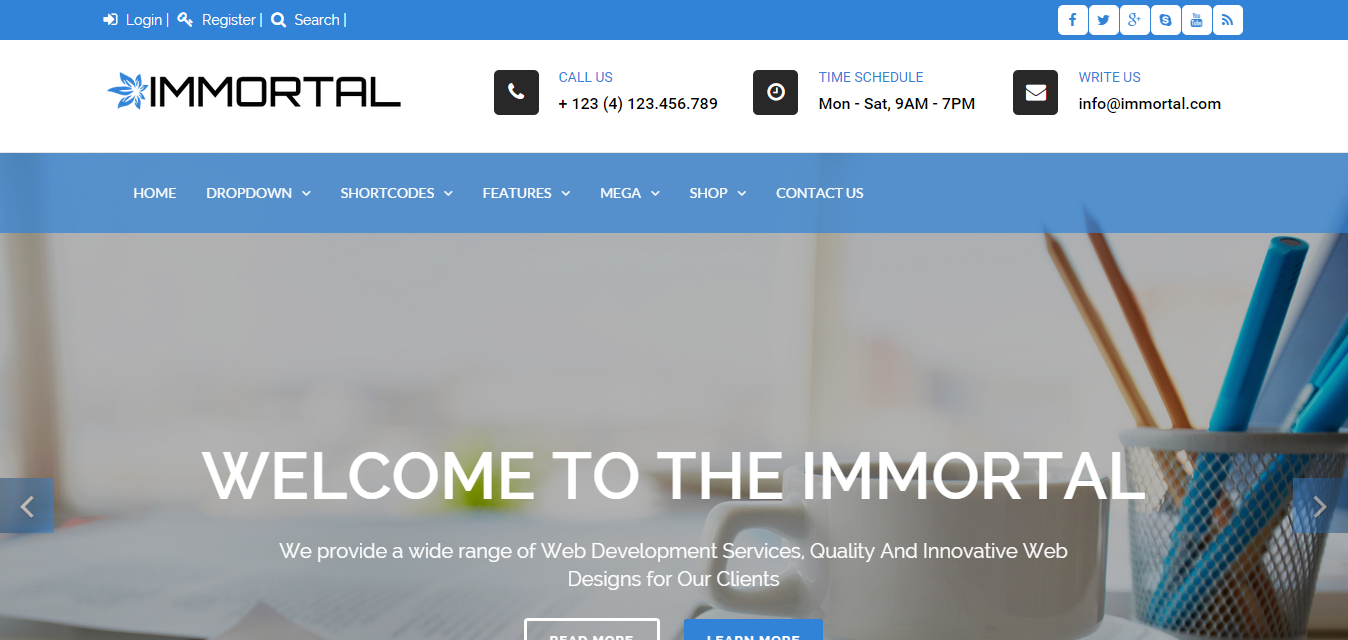
Full Width Sticky Transparent Header


full width sticky transparent header full transparent


Header With Logo Bar


header with logo bar logo bar left


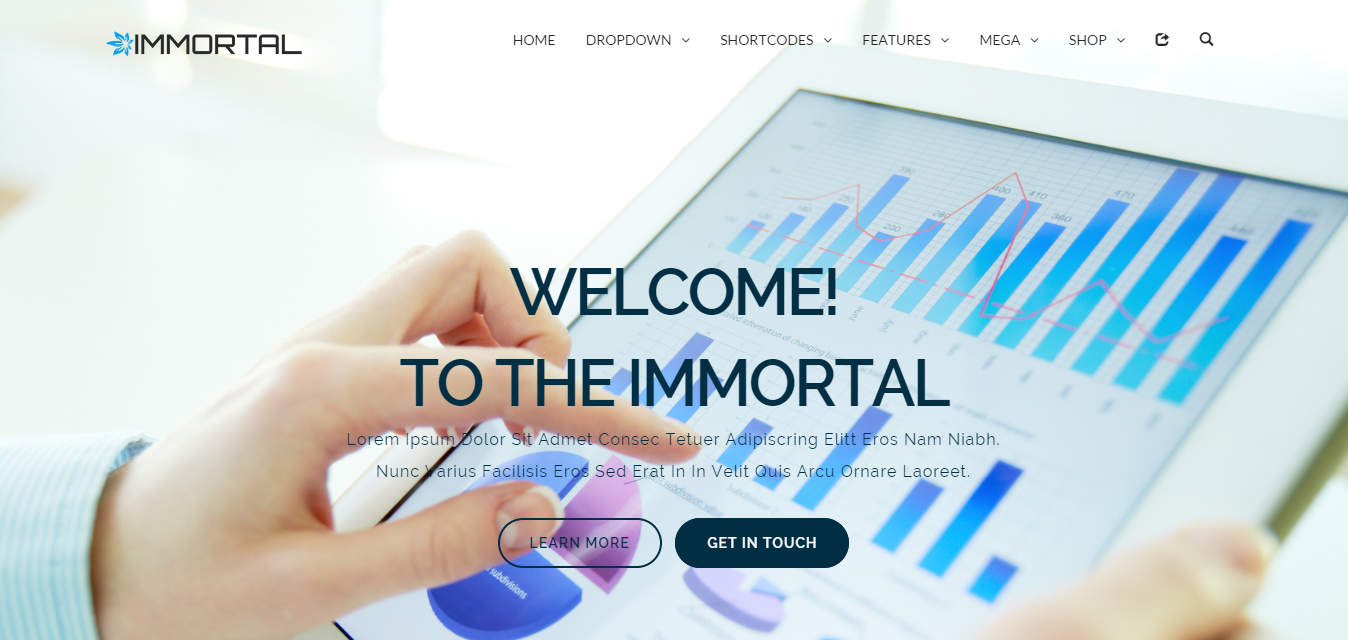
Semi Transparent Header


semi transparent header full width one image


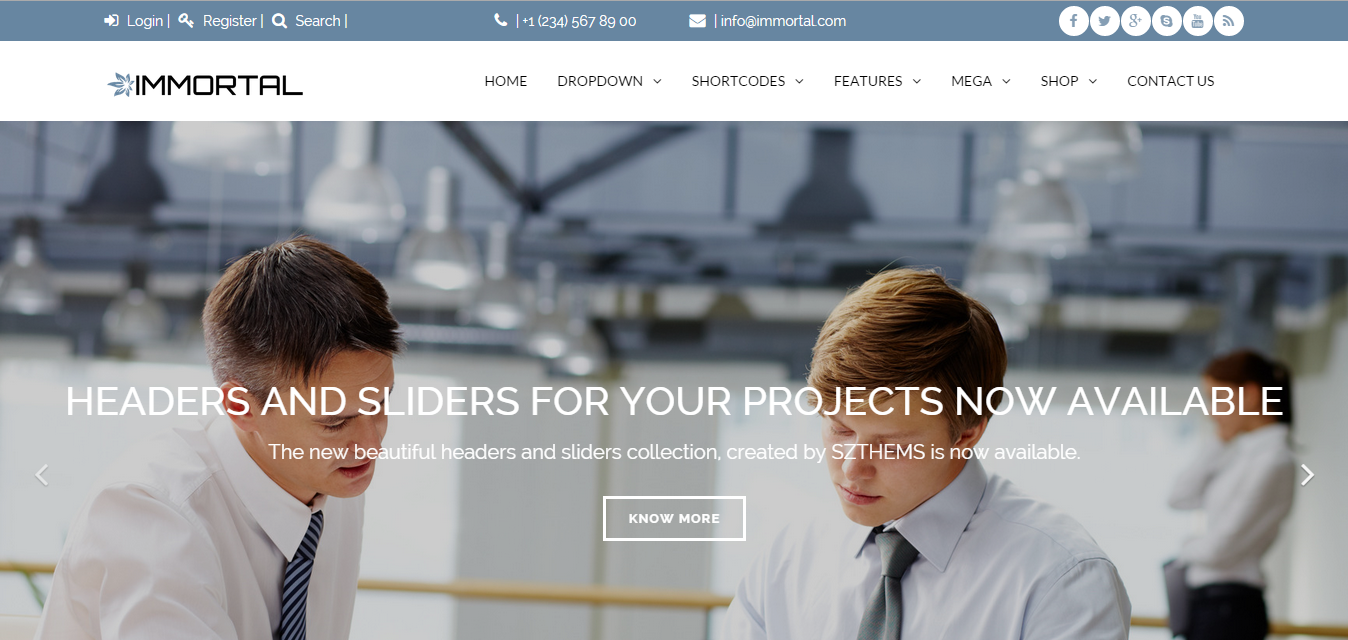
Header With Top Bar


header with top bar top bar


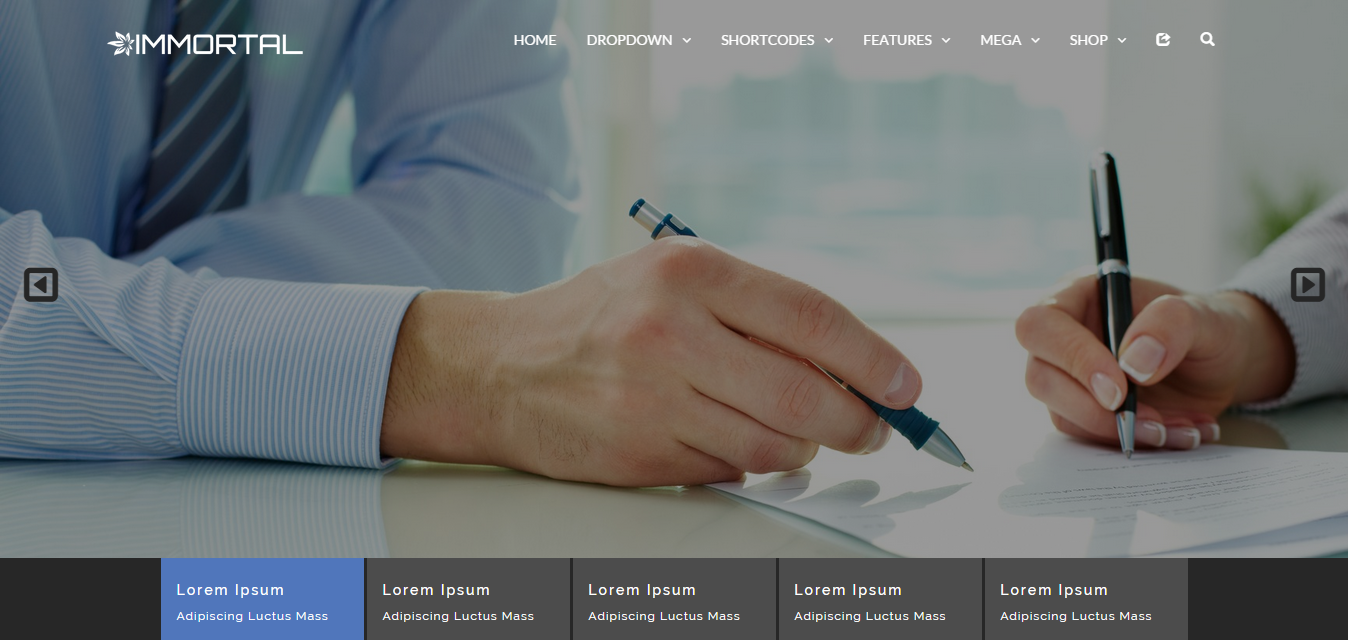
Large Tab Header


large tab header ken burns effect


Fixed Width Header


fixed width header fixed width


Slider


Self Hosted Video Slider


video slider video slider


Ken Burns Slider


ken burns slider full width ken burns


Image Thumbnail Slider


image thumbnails slider image thumbnail


Text Thumbnail Slider


text thumbnails slider thumbnail text


Navigation Bar


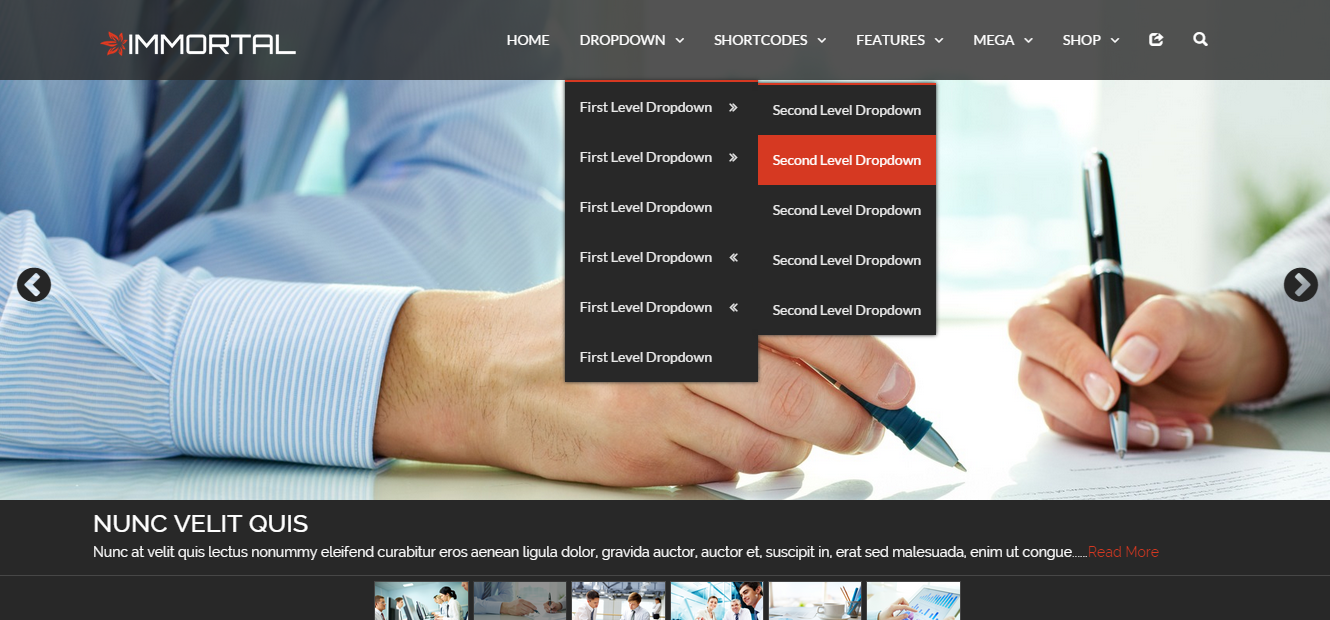
Multi Level Dropdown


multi level dropdown nav dropdown


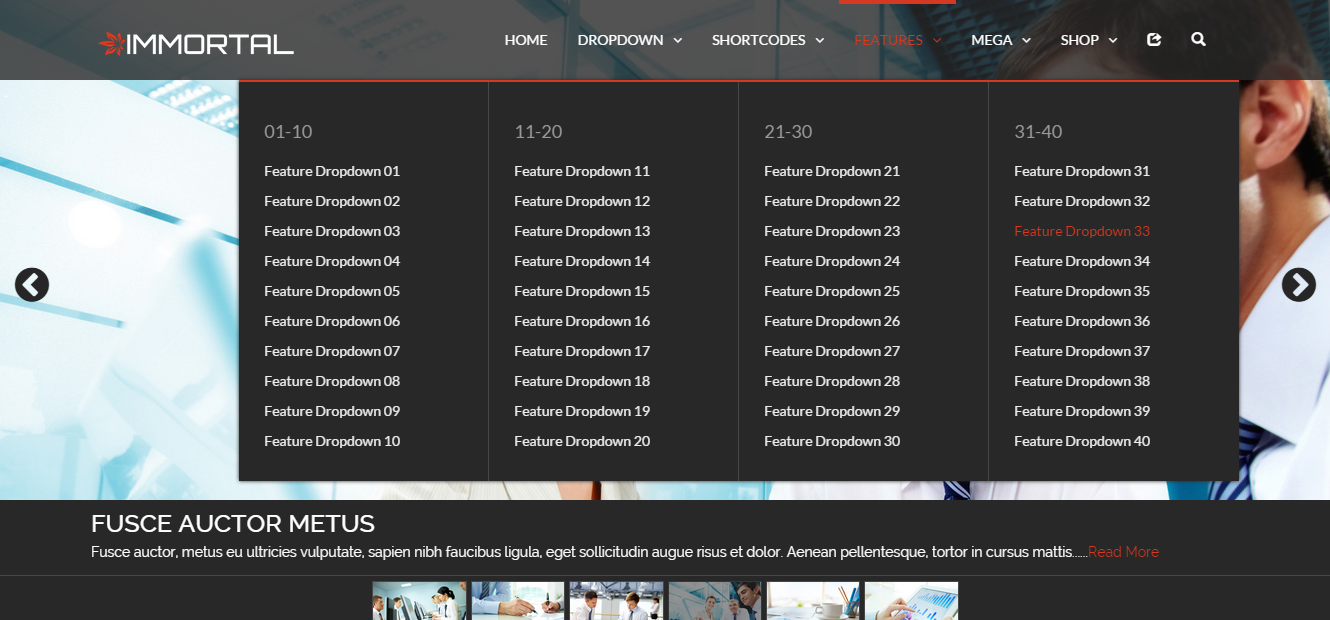
Mega Features Dropdown


mega features dropdown nav features


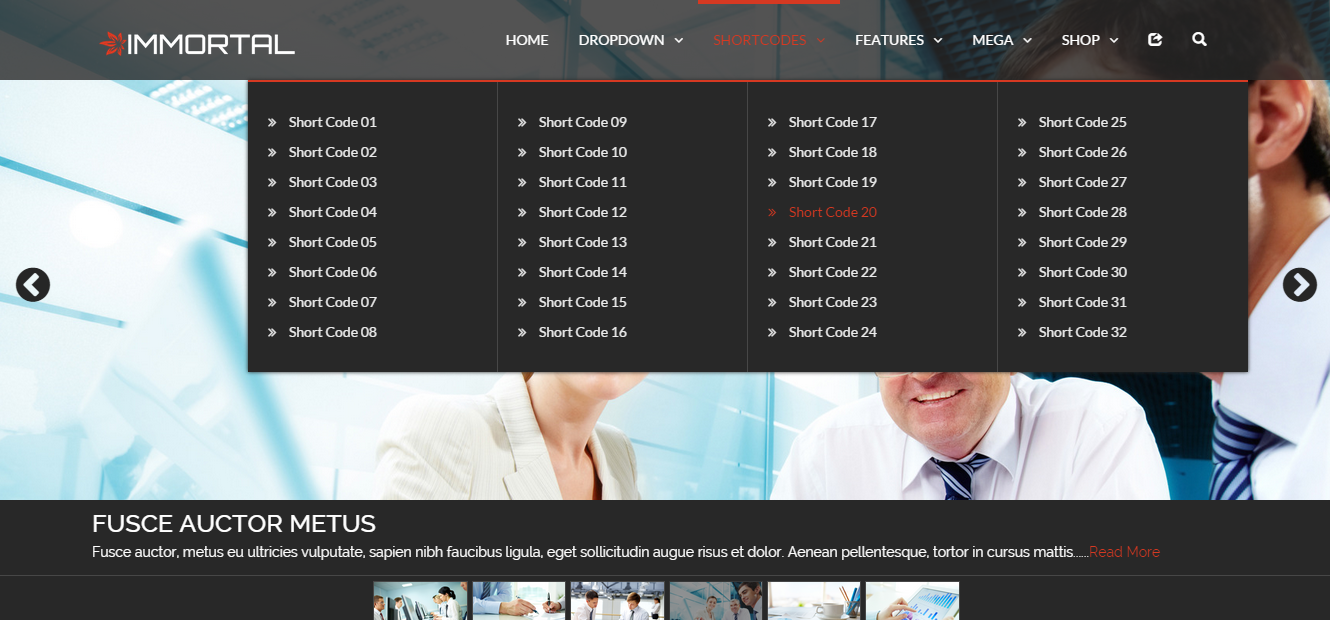
Mega Short Codes Dropdown


mega short code dropdown nav shortcode


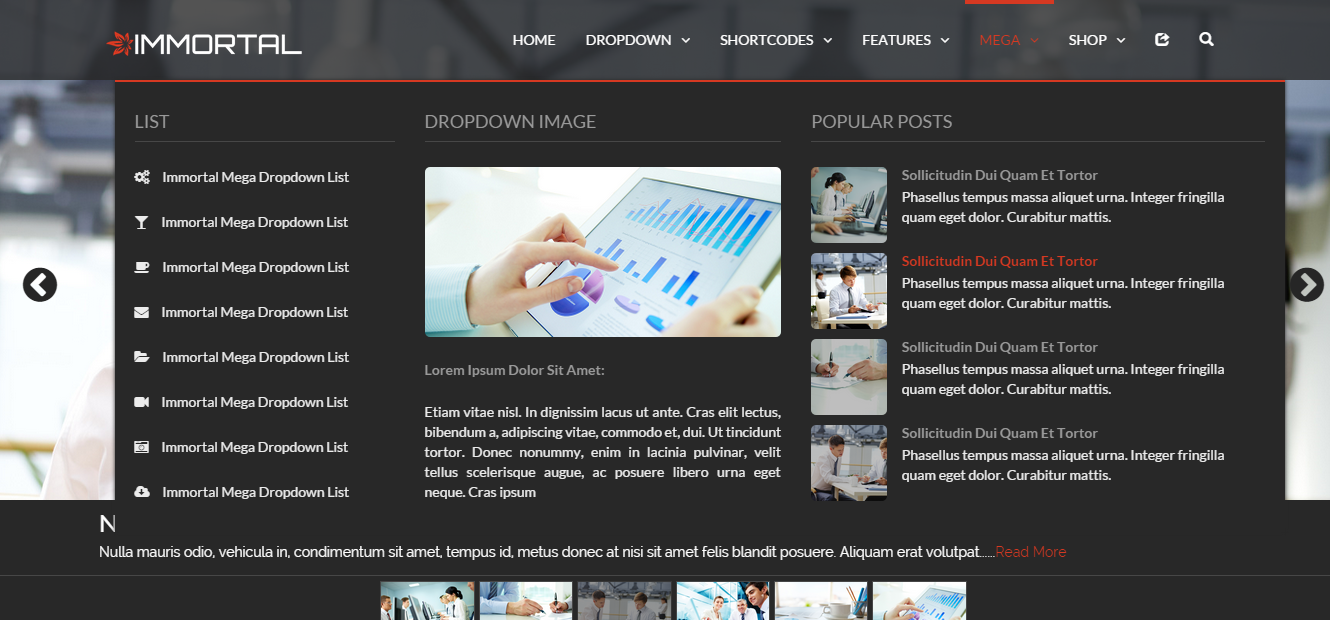
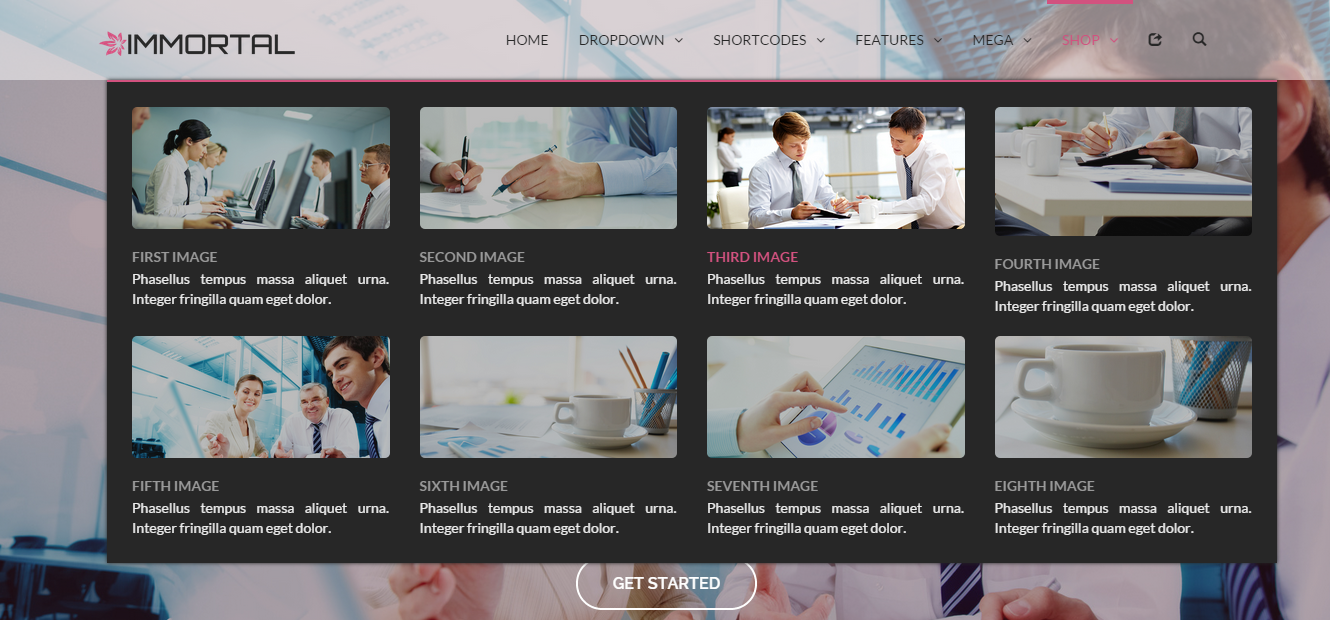
Mega Dropdown


mega dorpdown nav mega


mega image gallery dorpdown nav pic galry


Modal Forms


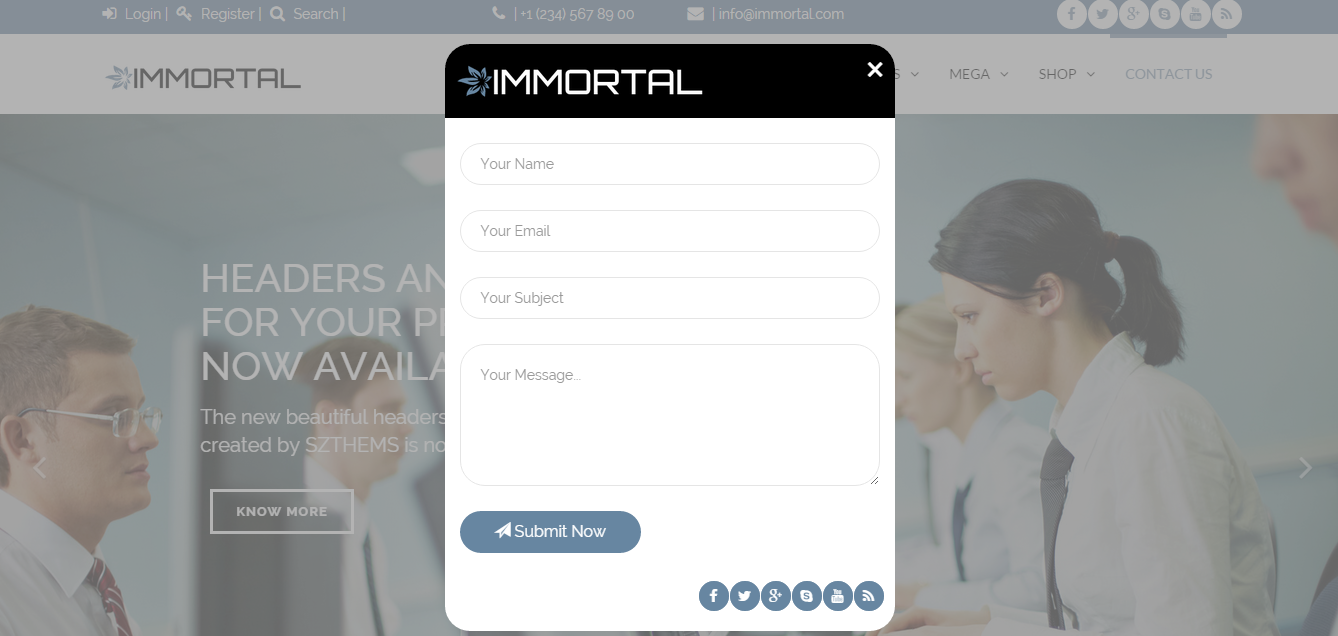
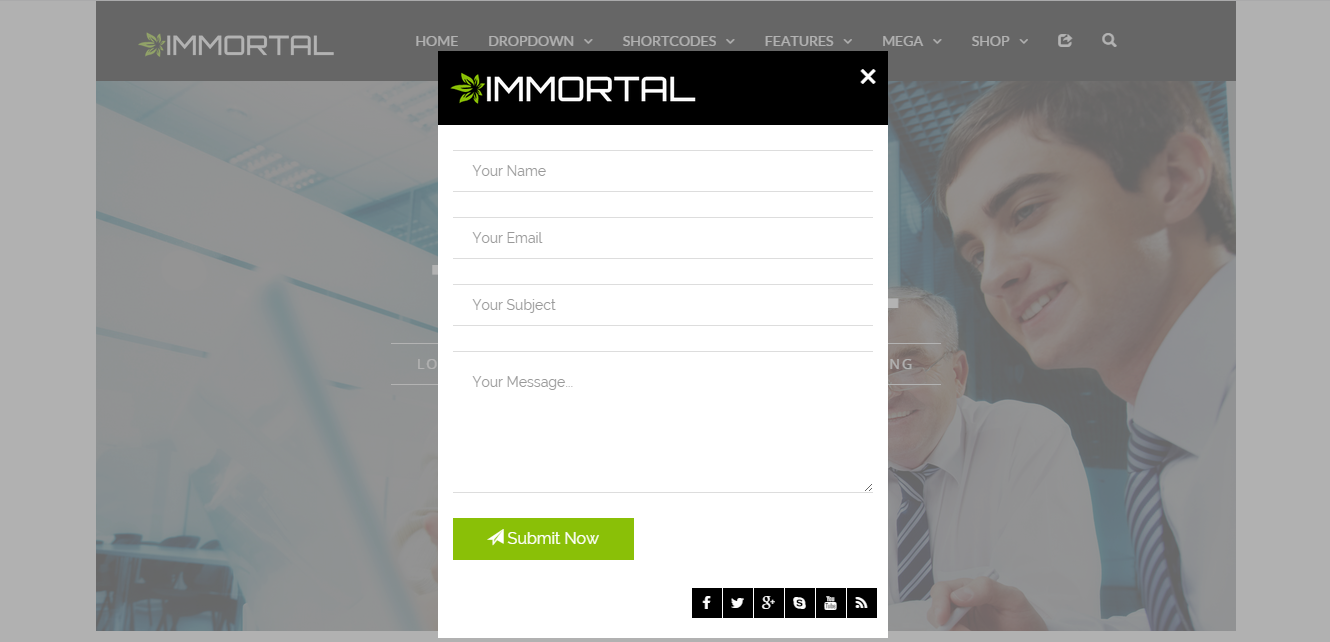
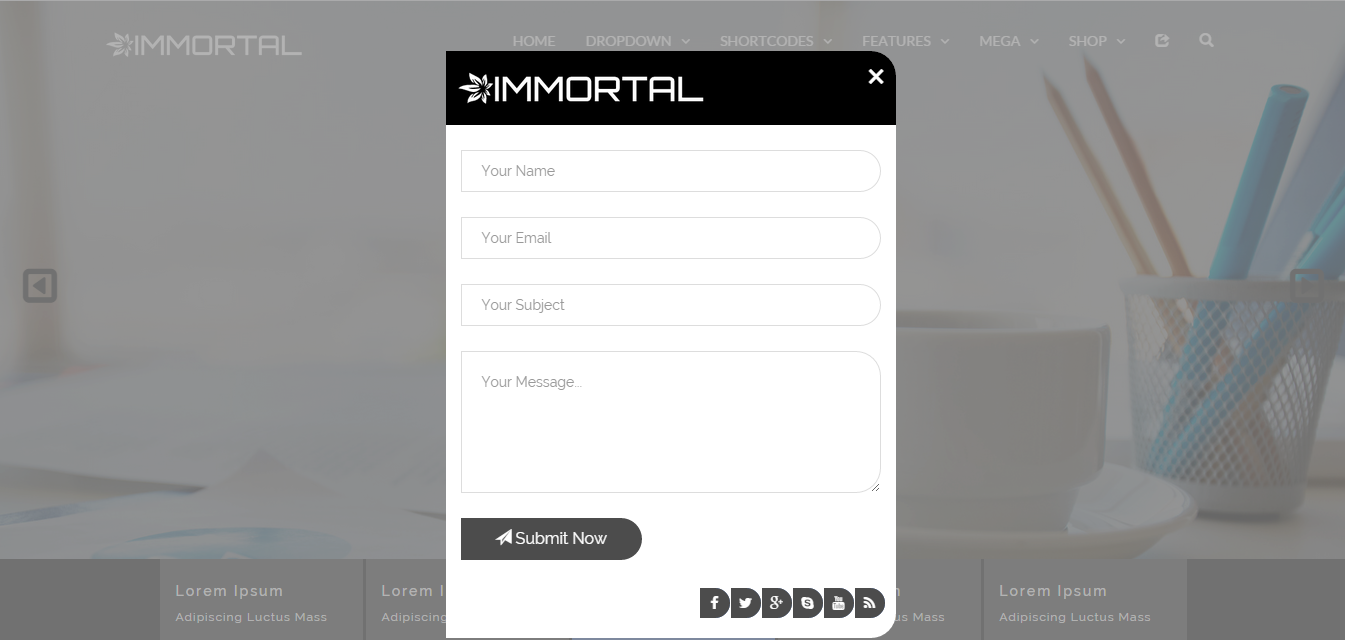
Contact Us Form


contact us form a modal contact us
contact us form b modal contact us border
contact us form c modal contact us radius


Login Form


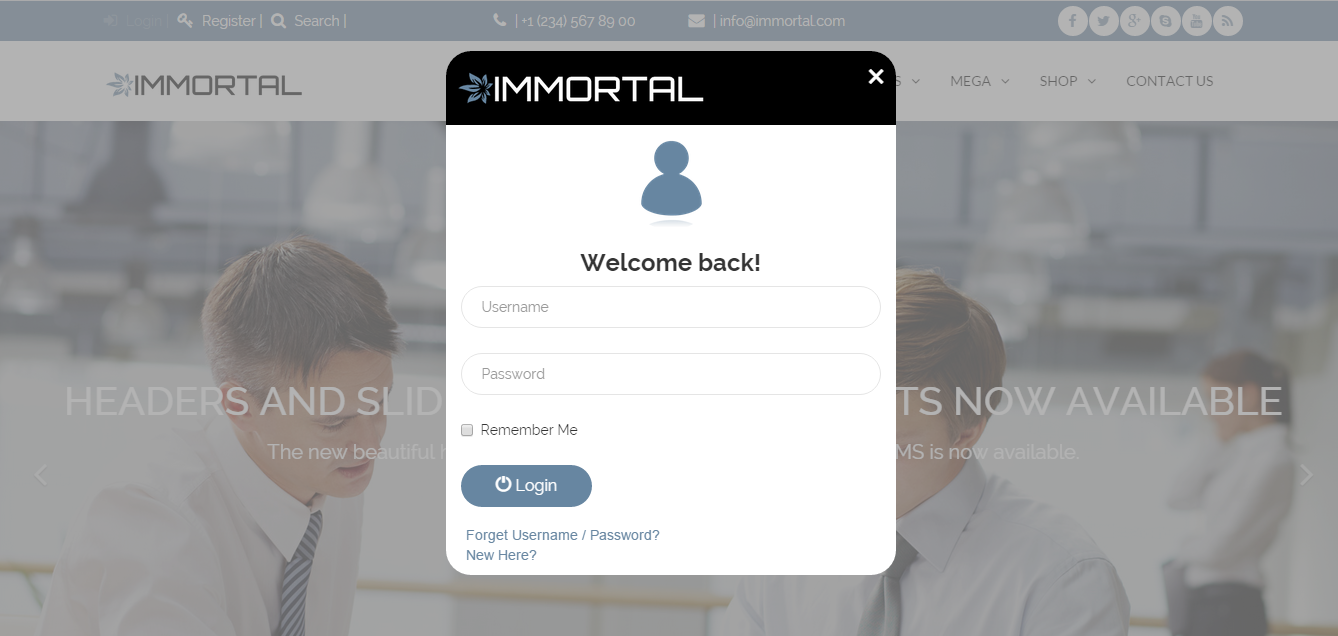
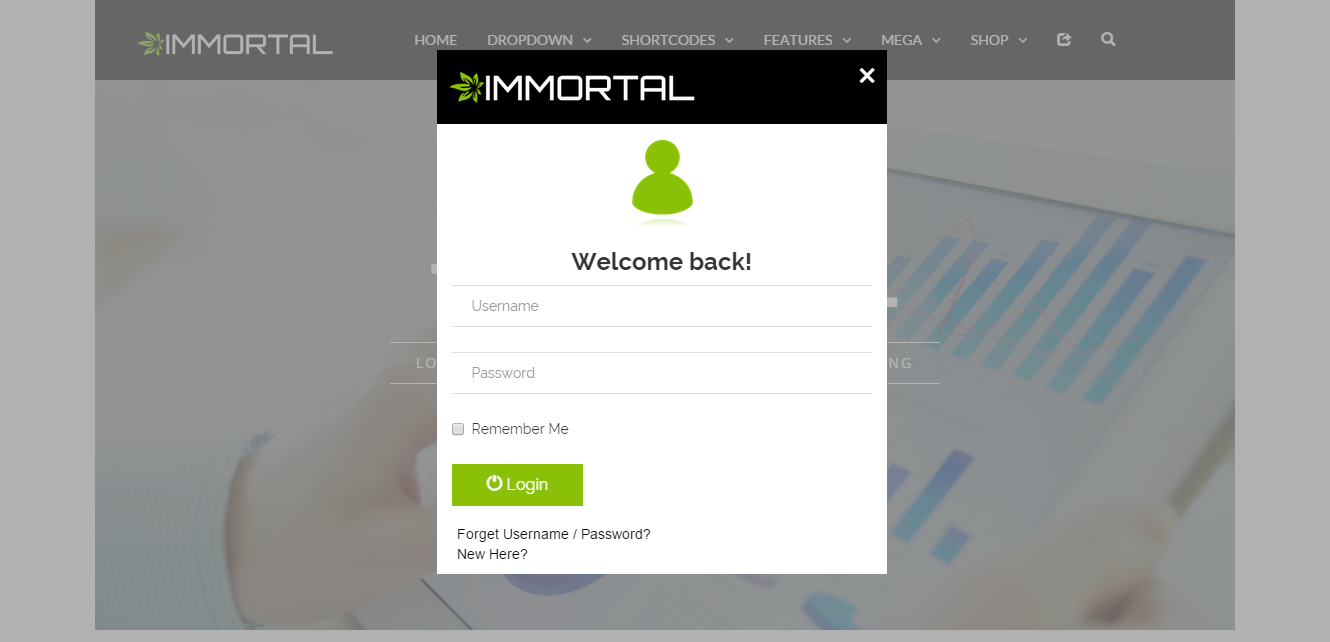
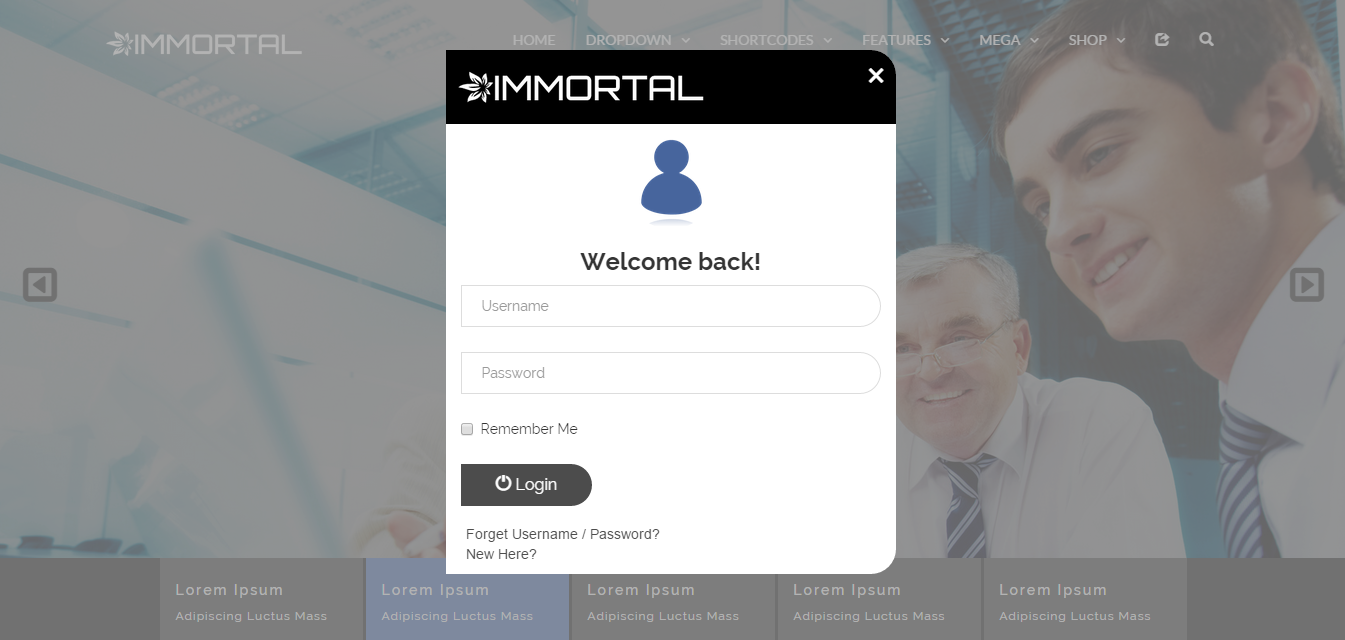
login form a modal login
login form b modal login border
login form c modal login radius


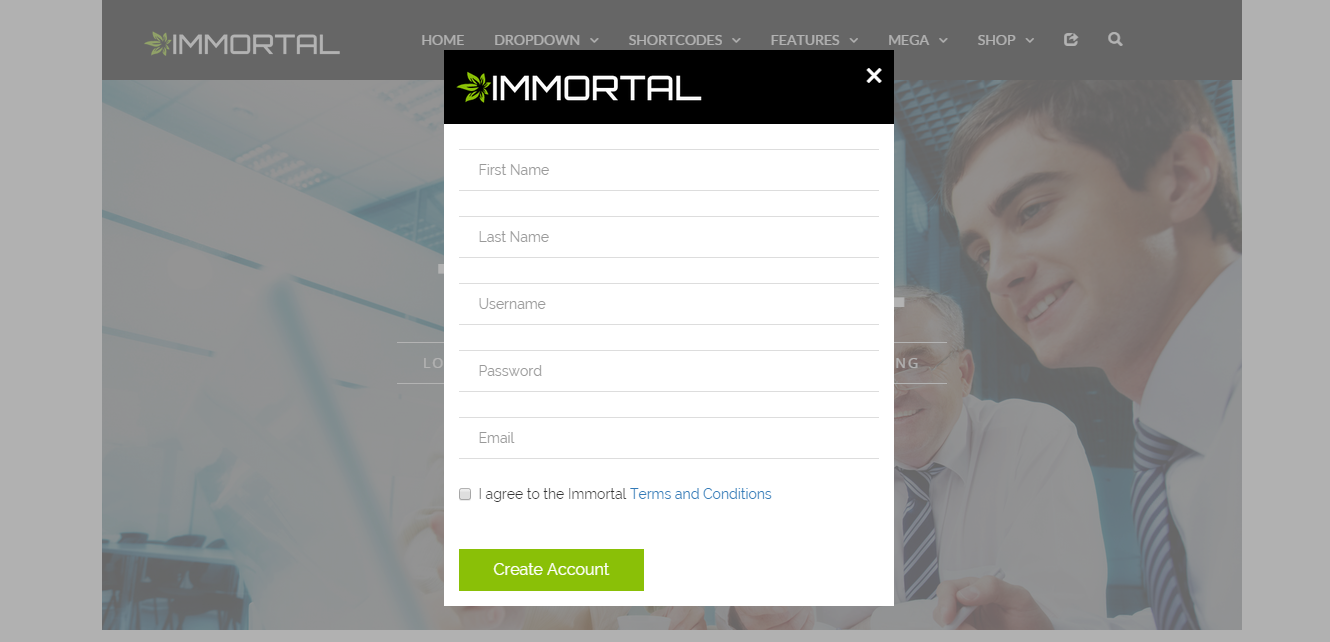
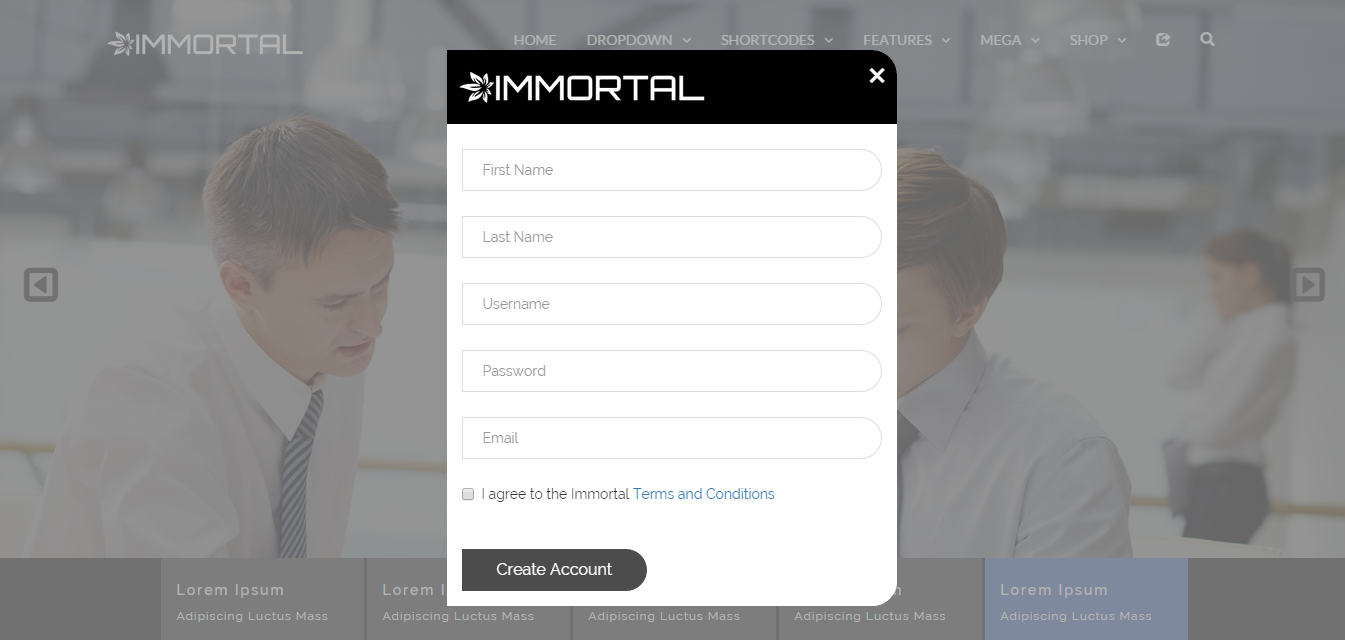
Register Form


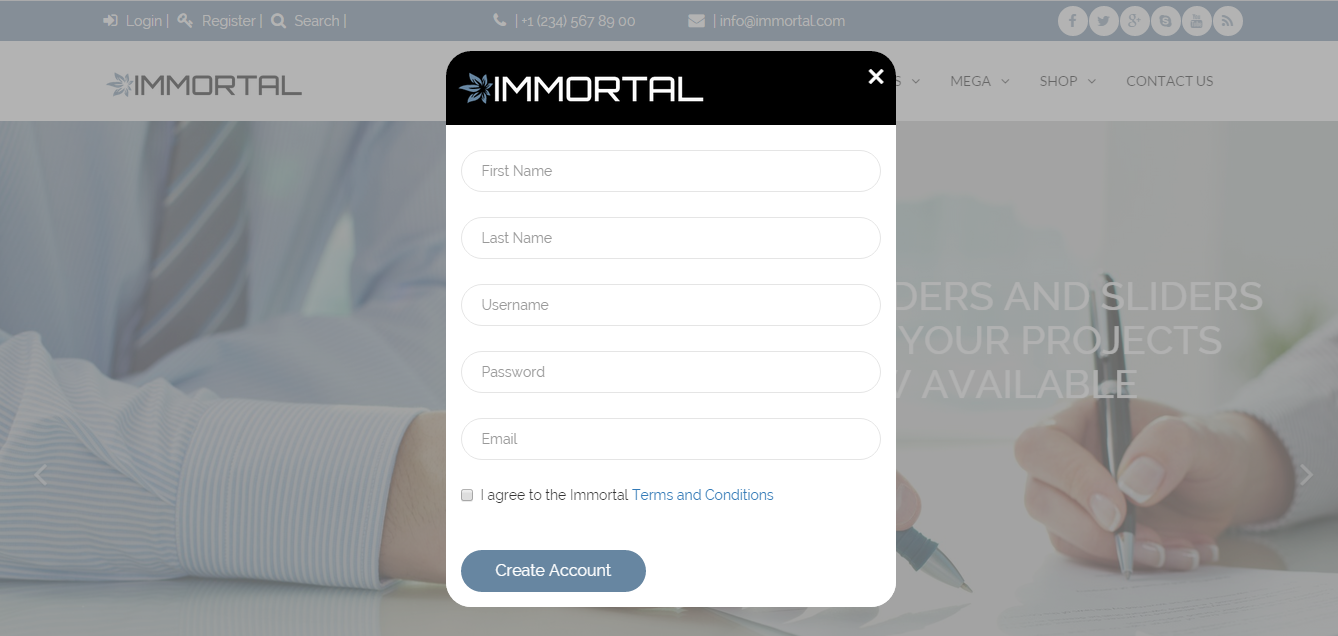
register form a modal register
register form b modal register border
register form c modal register radius


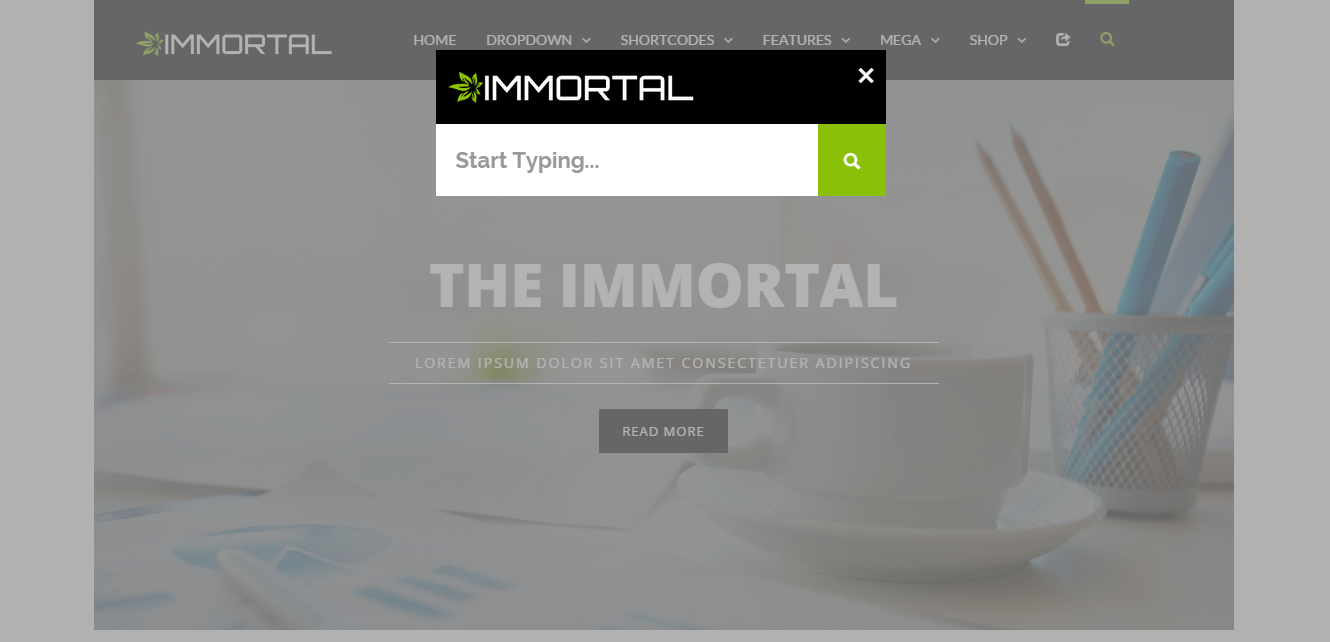
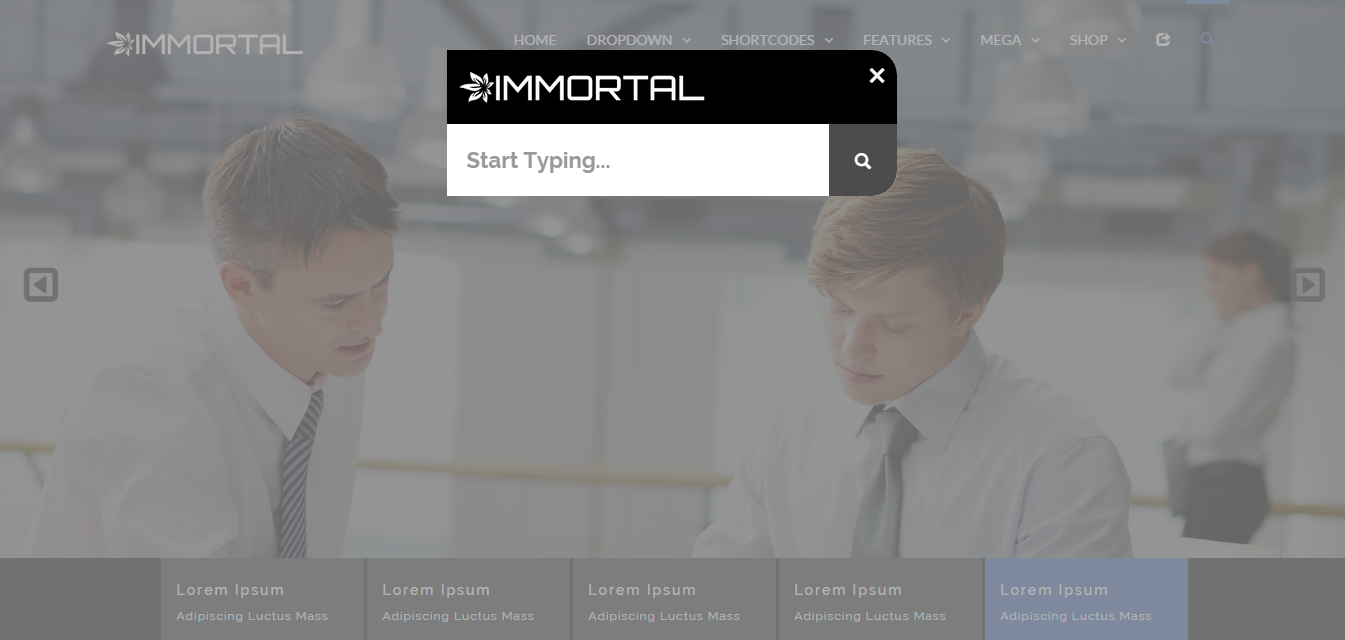
search form a modal search
search form b modal search border
search form c modal search radius


abc.com

Saturday, 25 July 2015

Animatic - Advanced WordPress Frontend Animator (Media)

support


Animate Your Existing Stuff or Create Elaborate New Animations


Here are some sped up videos on how we used Animatic to create the animations in the live preview:


We are bringing how you add animations to your site to a new level. Meet Animatic, a frontend animation editor for WordPress.


Animate your existing stuff in your website and create complex animation composed of your images.


With Animatic, you can:


  • Add infinitely looping animations to your elements,

  • Add entrance transitions to your elements,

  • Add hover animations and transitions to your elements,

  • Create multi-image infographics and animations, all live from your frontend

Animatic adds an Edit Animations button in your frontend. Clicking on that will bring up the easy to use and intuitive Animatic Panel:


Animatic Panel Explanation cc panel


Just click on an element to select it, then animate it


You can modify 30+ animation parameters such as:


  • X, Y, Z positions,

  • X, Y, Z rotations,

  • Opacity,

  • Z-index,

  • Scale,

  • Idle Animation,

  • Animation duration,

  • and more…

Full Feature Set


  • Create complex & layered animations composed of multiple images,

  • Integrates right into the Media Manager for easy image placement for animating,

  • Live frontend editing using the Animatic Panel,

  • Very easy to use and intuitive controls,

  • 50+ Animations & transitions,

  • Change values using your mouse,

  • Hardware accelerated animations,

  • Bonus: includes the Animatic Visual Composer element

Important Note


Animatic is used for animating stuff, not for layouting your content. It is not a page builder. Using Animatic to layout your content may create weird results in small screens.


Having Trouble with the Plugin?


Head over to the support tab and check out the FAQs, or submit a support ticket!


Enjoying the Plugin?


Be sure to leave a rating and review and show us some love.


Check out Our Other Stuff


others carousel


others mockup


others imagefilters


others loupe


others isotiles


Video & Parallax Backgrounds For Visual Composer others parallax


CSS Animator add-on for Visual Composer others cssanimator


4k Icons add-on for Visual Composer others 4kicons


Updates


Version 1.0


* Initial release


abc.com