Showing posts with label javascript. Show all posts

Thursday, 27 August 2015

Immortal Header & Slider (Miscellaneous)

WHAT YOU ARE GOING TO PURCHASE ?


We have prepared a set of headers with sliders. We have also included different and essential components of any theme in this set like different forms. After buying this product the purchaser will get the following components:


  • Different Types of Header

  • Navigation Bar

  • Different Types of Slider

  • Bootstrap Modal Forms

FEATURES


  • Built In Bootstrap

  • 100% Responsive

  • Font Awesome Icons

  • Clean Documentation

  • Code Verified By W3C

  • Cross Browser Compatibility

The detail of all components those are included in the pack are mentioned below:


HEADERS


Full Width Sticky Transparent Header


full width sticky transparent header full transparent


Header With Logo Bar


header with logo bar logo bar left


Semi Transparent Header


semi transparent header full width one image


Header With Top Bar


header with top bar top bar


Large Tab Header


large tab header ken burns effect


Fixed Width Header


fixed width header fixed width


Slider


Self Hosted Video Slider


video slider video slider


Ken Burns Slider


ken burns slider full width ken burns


Image Thumbnail Slider


image thumbnails slider image thumbnail


Text Thumbnail Slider


text thumbnails slider thumbnail text


Navigation Bar


Multi Level Dropdown


multi level dropdown nav dropdown


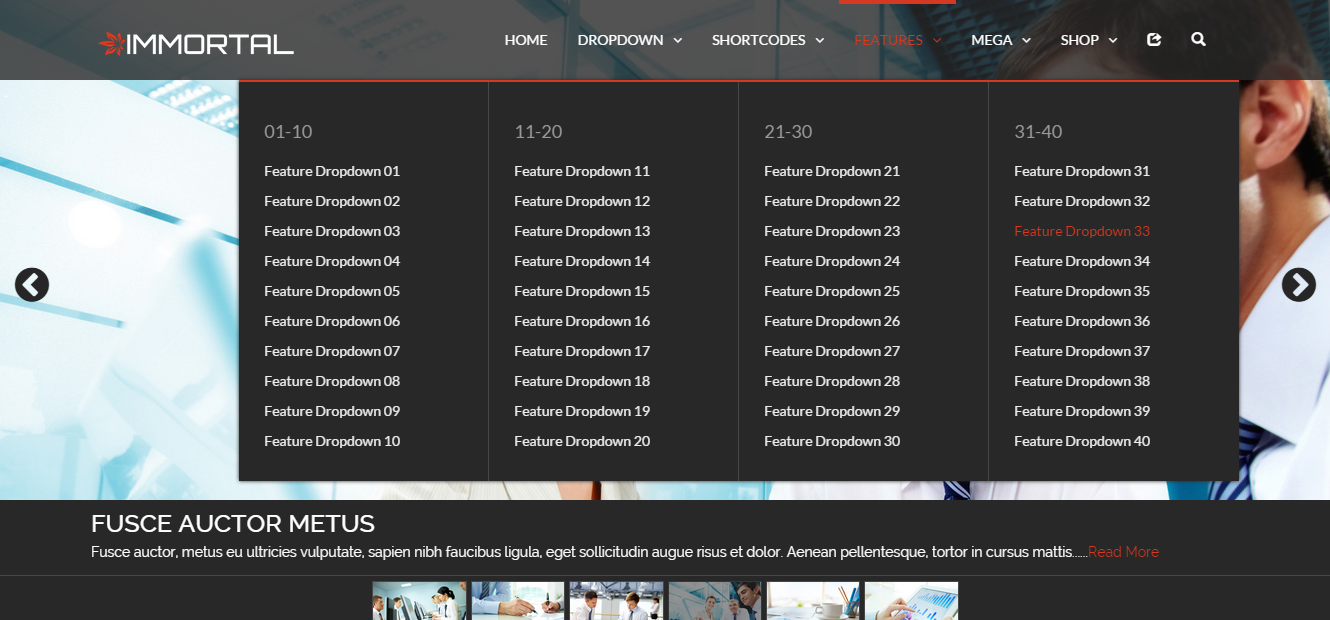
Mega Features Dropdown


mega features dropdown nav features


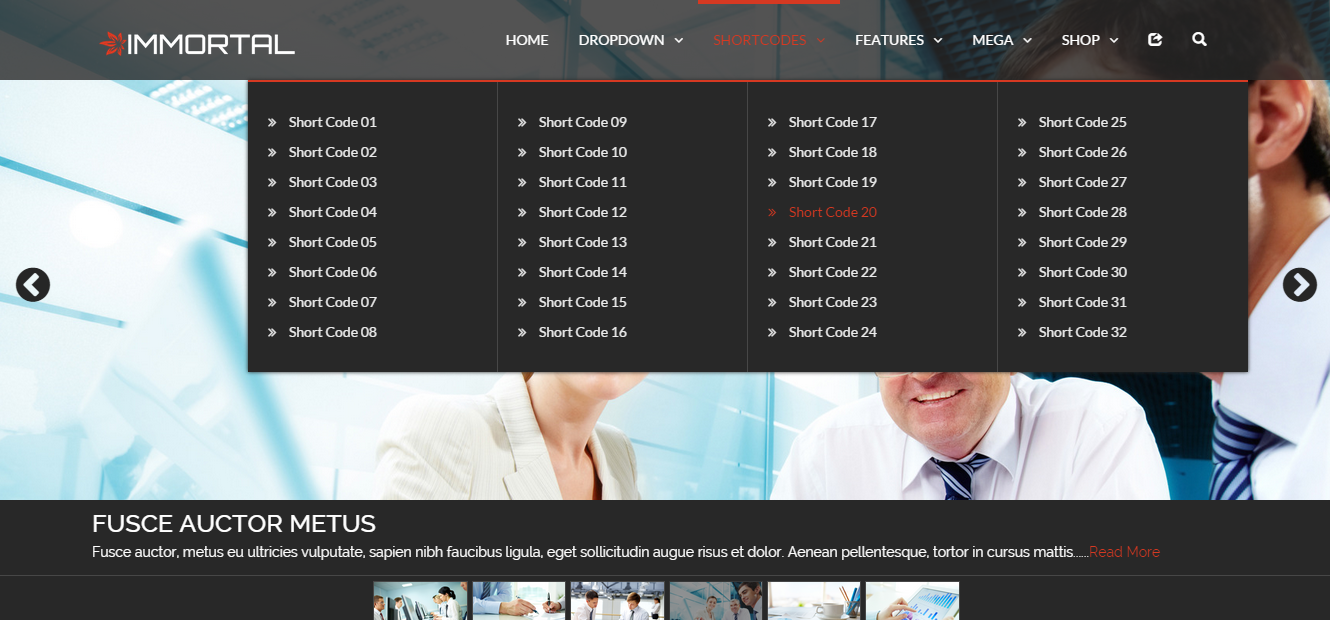
Mega Short Codes Dropdown


mega short code dropdown nav shortcode


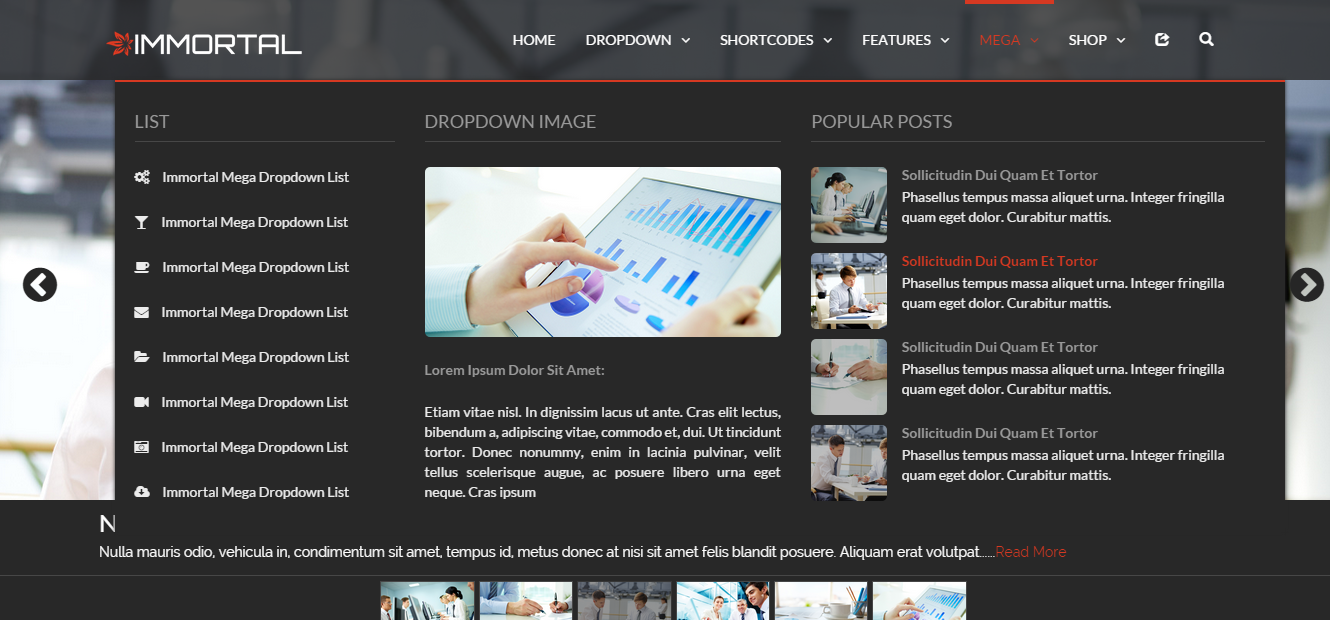
Mega Dropdown


mega dorpdown nav mega


mega image gallery dorpdown nav pic galry


Modal Forms


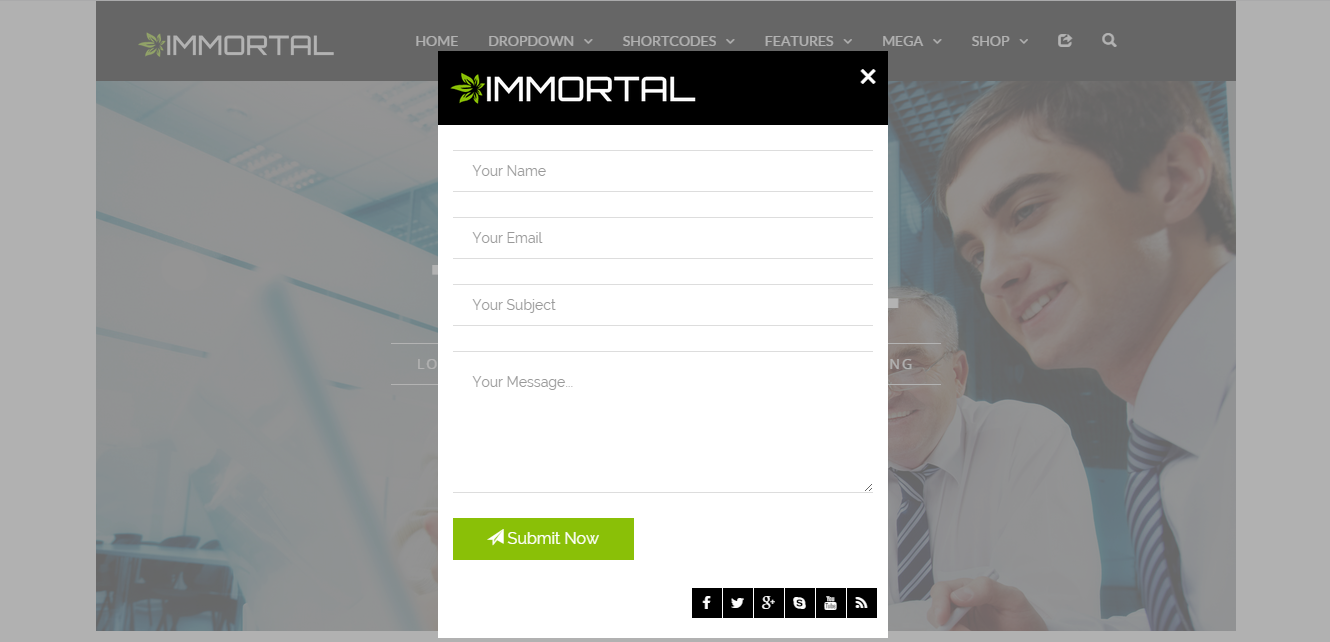
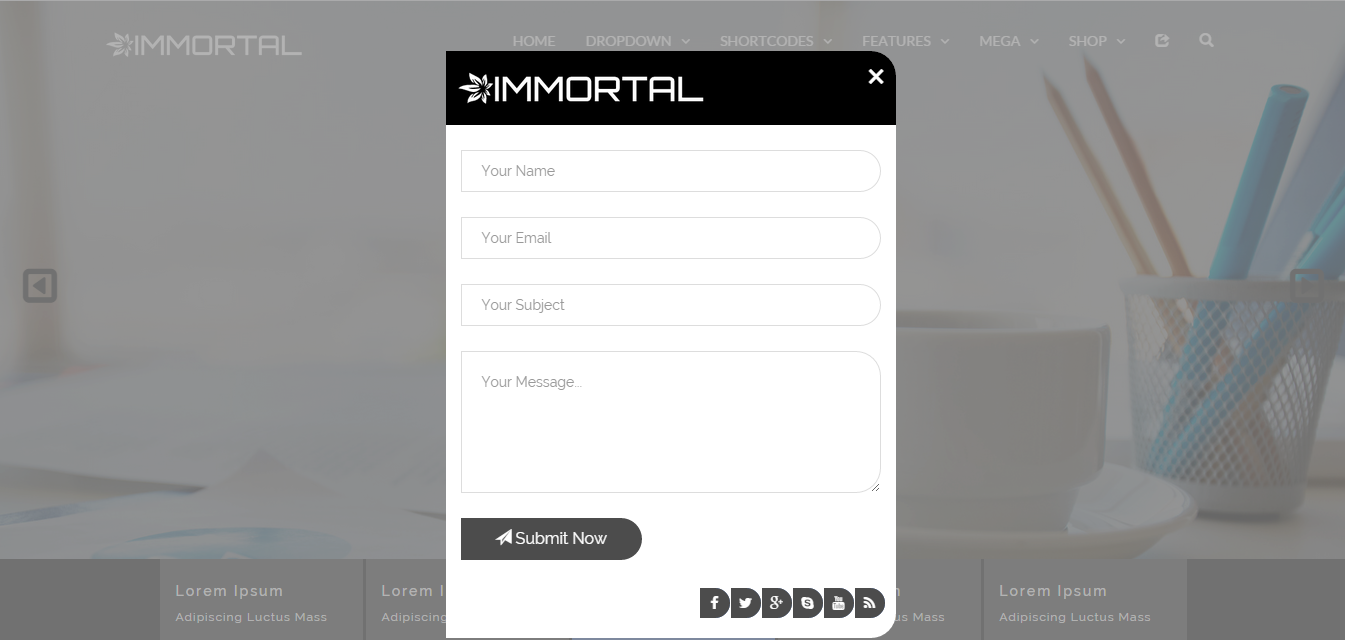
Contact Us Form


contact us form a modal contact us
contact us form b modal contact us border
contact us form c modal contact us radius


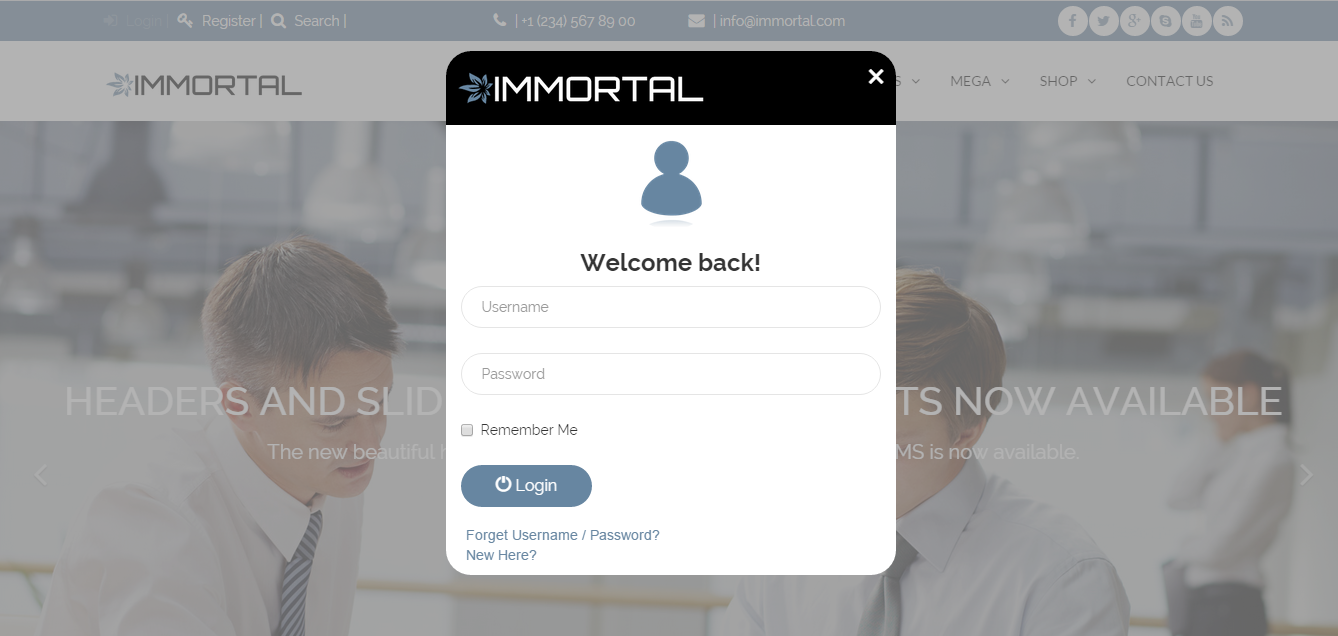
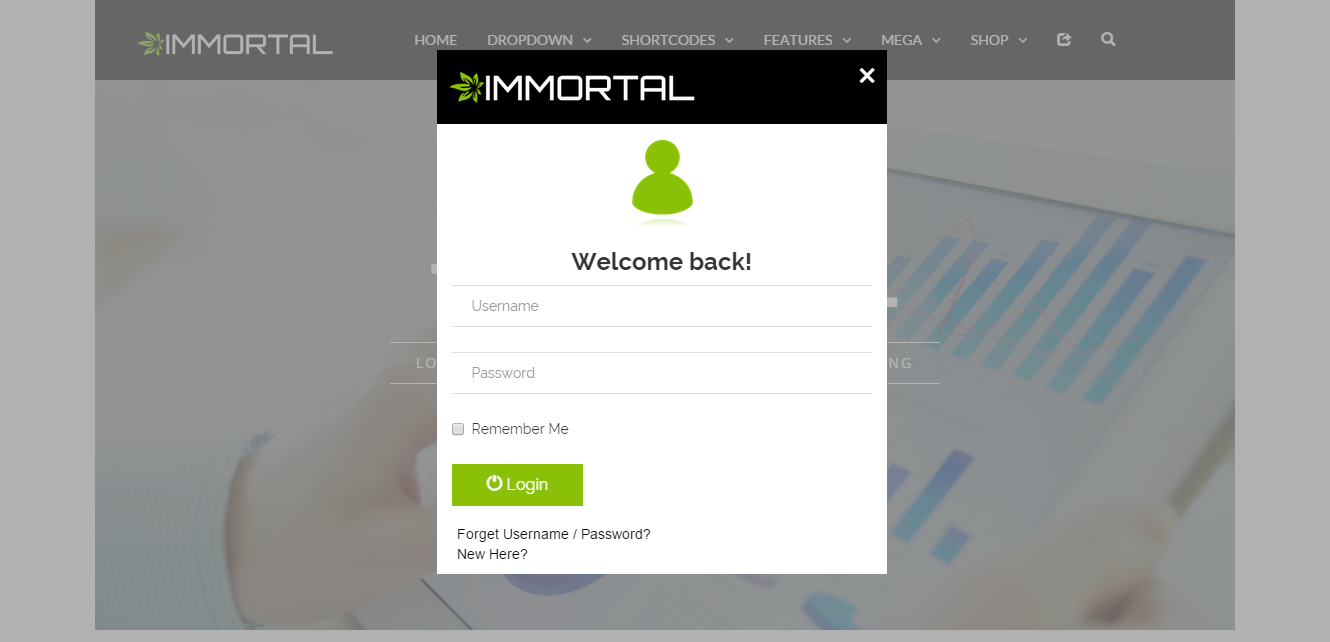
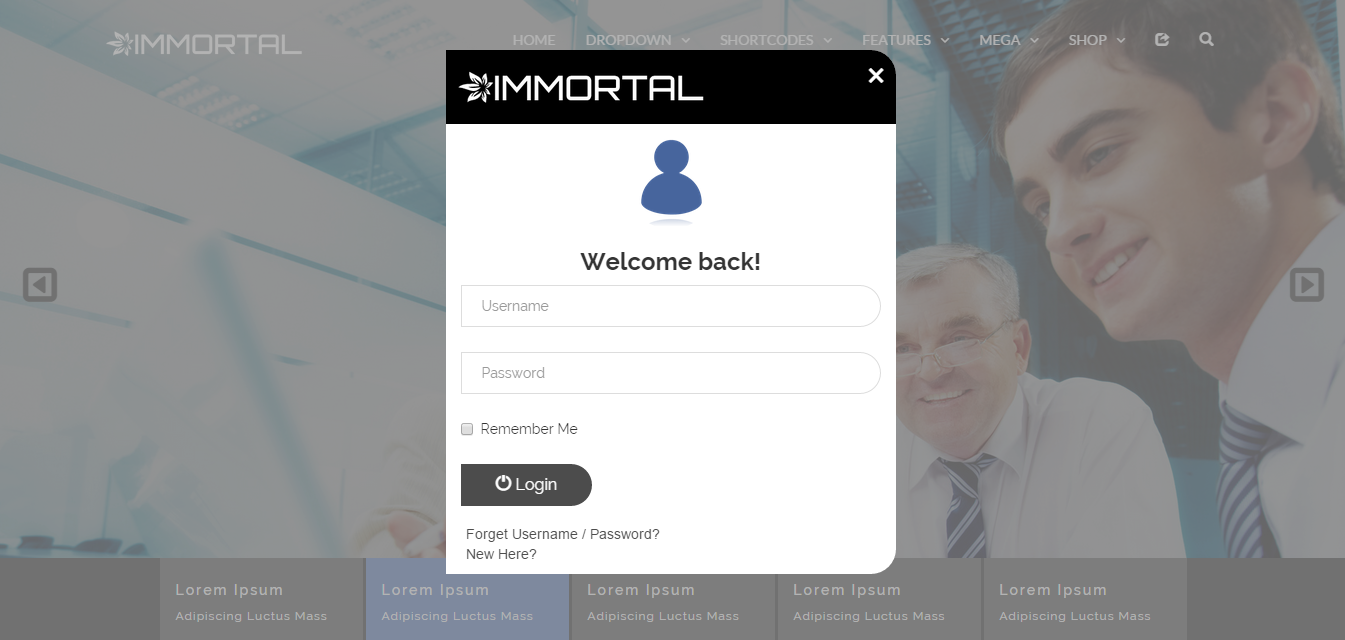
Login Form


login form a modal login
login form b modal login border
login form c modal login radius


Register Form


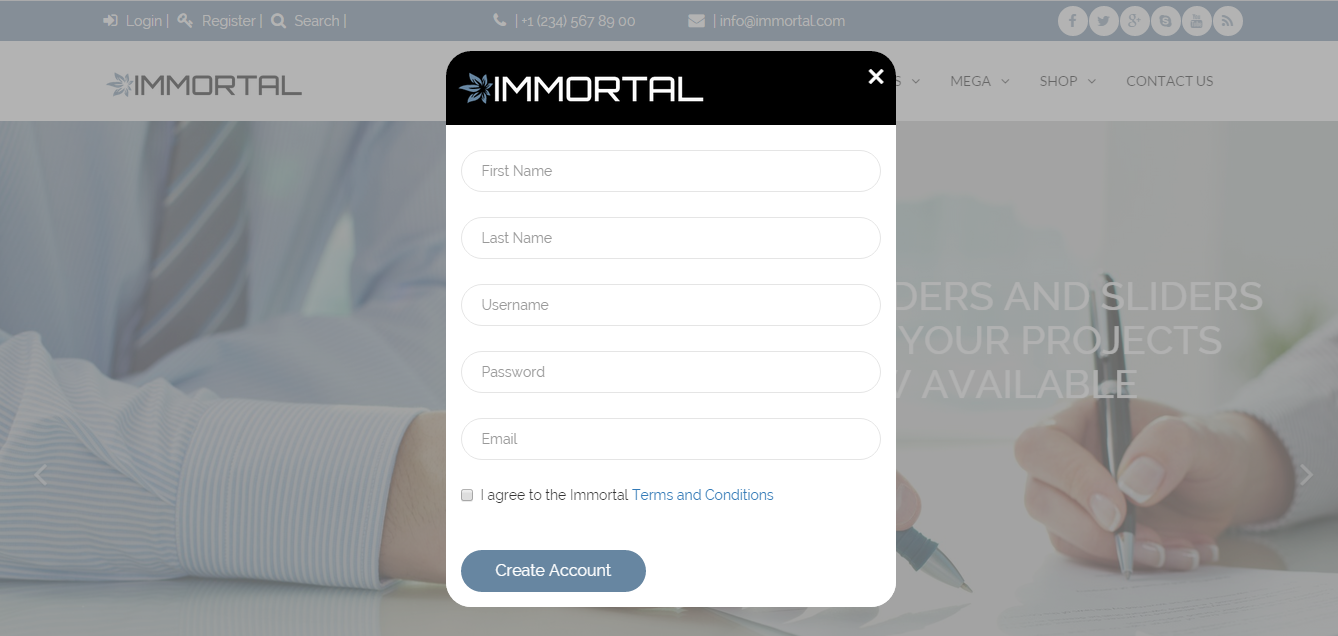
register form a modal register
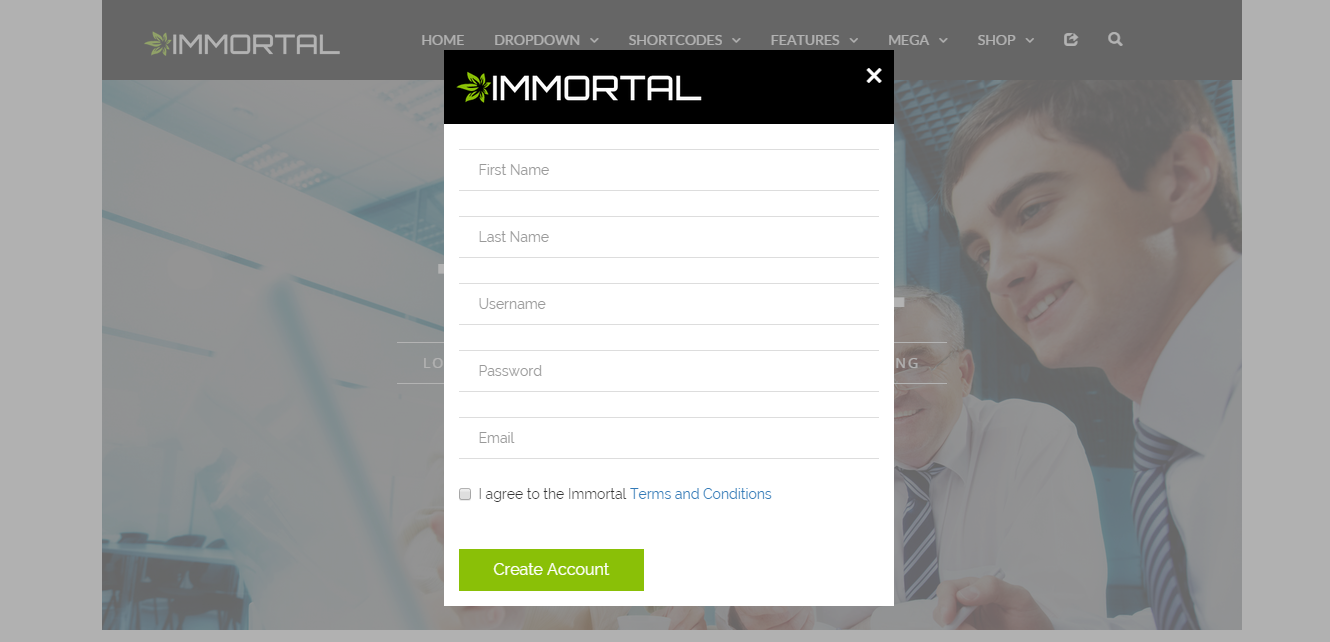
register form b modal register border
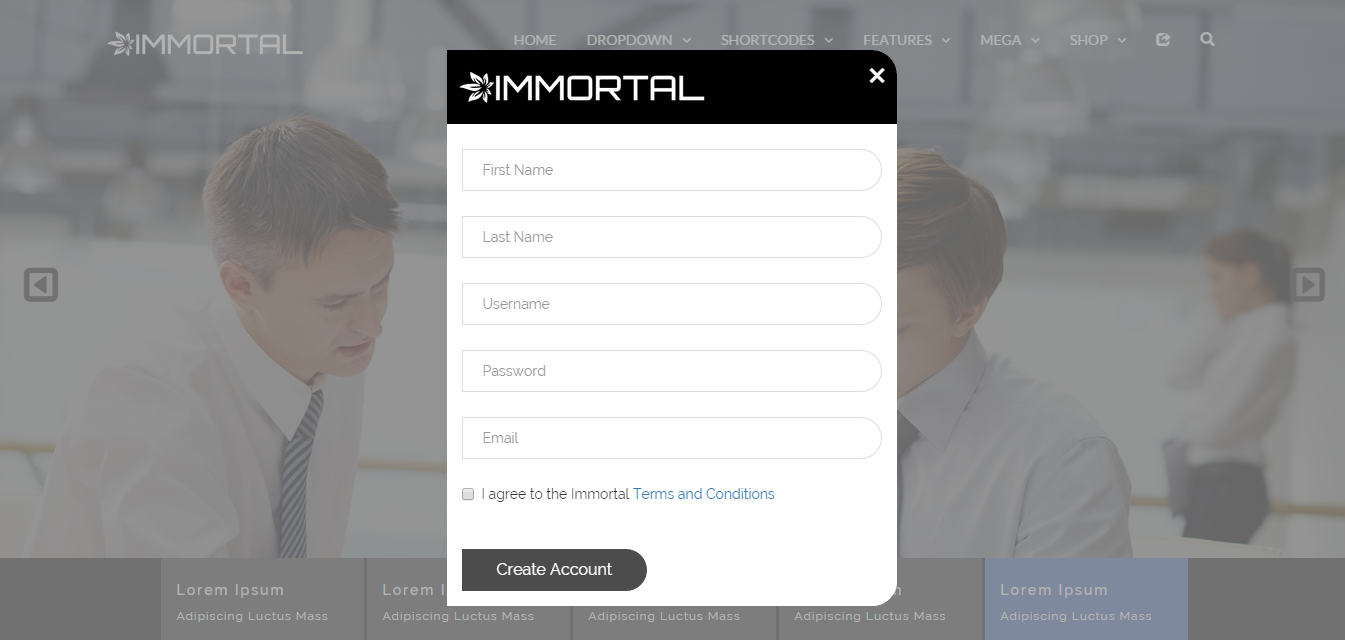
register form c modal register radius


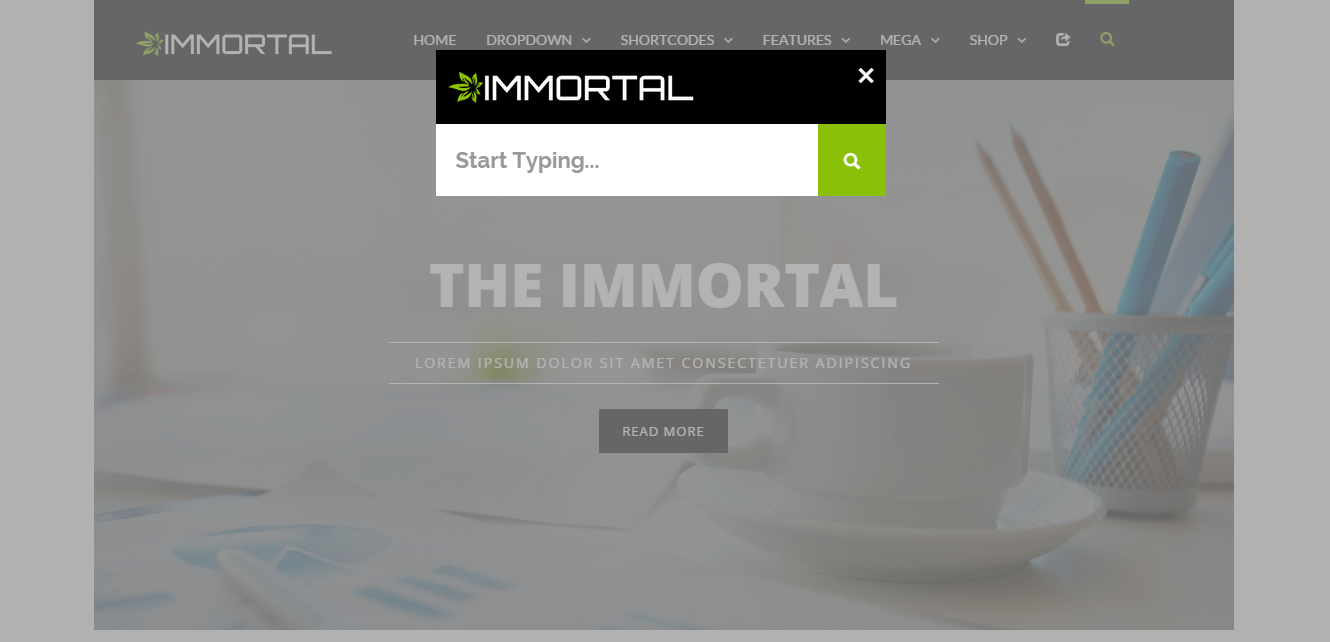
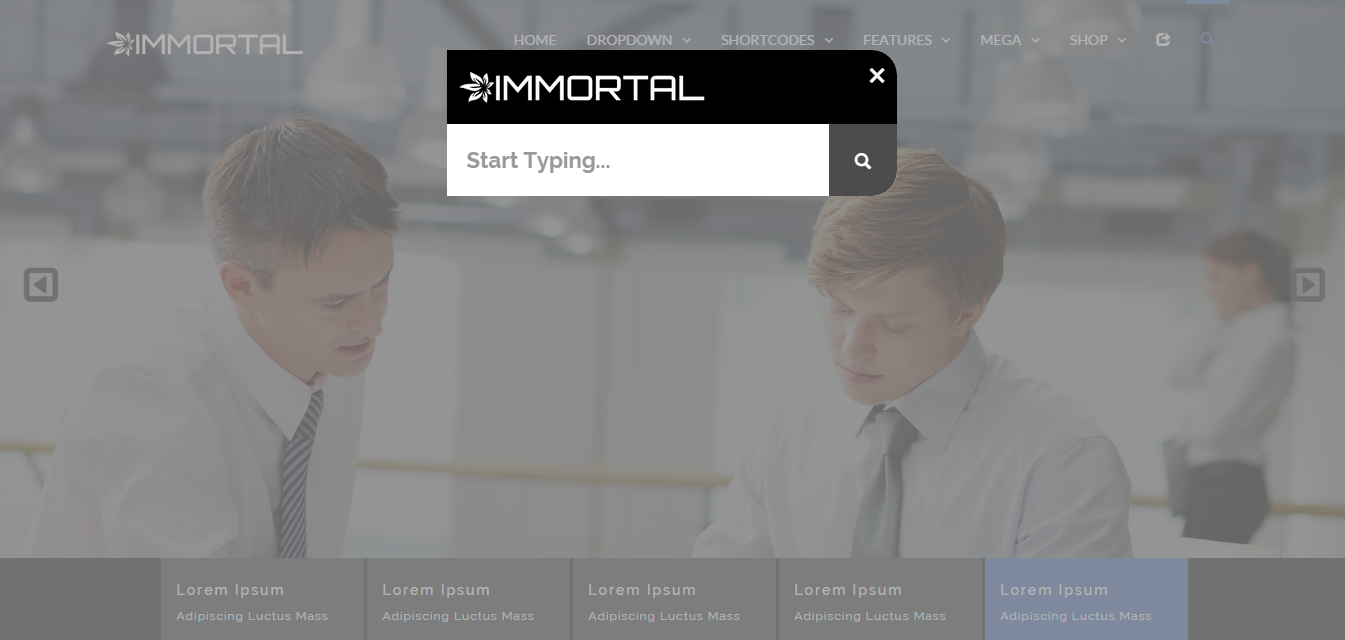
search form a modal search
search form b modal search border
search form c modal search radius


abc.com

Thursday, 9 July 2015

domAjax (Loaders and Uploaders)

domAjax is a small HTML5 javascript library that allows any DOM element to make ajax requests. It also has a simple templating engine that can easily bind returned json data to template attributes written in curly brackets. By default, any returned json object is passed through this micro templating engine which gives you a really seamless ajax experience.


domAjax removes the need for you to code jQuery ajax requests which can easily get messy especially when it comes to processing the returned JSON and manipulating the DOM to add any fetched data.


DOM nodes are configured using data-ajax-* attributes and the domAjax library takes care of the rest.


Supported attributes are

data-ajax-url=”example.com/user”

data-ajax-method=”put”

data-ajax-callback=”functionName / obj.method”

data-ajax-interval=”miliseconds / miliseconds.maxRequests” – (makes the ajax call every milliseconds upto maxRequests)

data-ajax-params=” token:’6fd8xx’, count:500 ” – Valid json string

data-ajax-event=”customEvent” – (this ajax call is made when this DOM node receives the event customEvent)


abc.com

Bill Split Calculator (Miscellaneous)

Bill Split Calculator is an easy meal calculator to split your bills without having to do any maths and share bills to your friends. No server side setup for this app, it using query string which appends all the data to the URL, and shorten it to make them easier to share using the Google URL shortener.


Calculator and preview mode


The page start with calculator mode and generate the preview with the same html page. If query string present on URL the page will auto switch to preview mode, and it can be switch back to calculator mode from a hidden button.
billsplitcalculator introduction 01


Table and Tools


Enter Person’s Name, Choice of Meal, Price and Quantiy.
Tools to Add Person, Add Meal, Dupliclate Person’s Meal, Delete and Move Item.
billsplitcalculator introduction 02


Misc options


Enter Restaurant Name/Title/Location, Date, Service Charge/Tips, Pay To Who and Additional Info like Bank details.
billsplitcalculator introduction 03


Slave of the day


Option to Add Slave for treat, and the Slave’s Bill will split evenly to everyone (Taxes On Slave).
billsplitcalculator introduction 04


Merge URL


If the URL have reach the maximum length of 2000, Magic Mushroom option will shows which will auto merge person’s meal into one for preview mode.
billsplitcalculator introduction 05


Features:


  • Non-responsive but viewable in all platforms (Mobile, PC, etc.)

  • Calculate and preview mode with one same html page

  • Fun bill description

  • Easy to change the font and background colour with CSS

  • Integrated with jQuery Datepicker for Date input

  • Input Person’s Name, Meal, Price and Quantiy

  • Input Title, Date, Service Charge, Pay To and Additional Info

  • Add Person, Add Meal, Duplicate Person’s Meal, Delete and Move item

  • Add Slave for treat

  • Sticky tools for long list

  • Export preview page with one single URL, no server side require

  • Maximum URL length is 2000

  • Merge Person’s meal to shorten URL when it reach maximum length 2000

  • Shorten URLs using Google URL shortener API

  • Calculator mode can be switch back from preview URL


abc.com

Monday, 6 July 2015

Row Scroll Animations for Visual Composer (Add-ons)

support


Liven up Your Site with Entrance & Exit Row Animations


First we created parallax backgrounds for Visual Composer, now we’re bringing you another new and awesome way to bring life to your layouts with Row Scroll Animations.


What Are Row Scroll Animations?


Have you ever noticed in some custom made sites that while you are scrolling down, the previous section fades out, goes black, or gets smaller until it leaves the screen? We’d like to call those row scroll animations. And with this plugin, you can add those same effects to your site.


Add Entrance and Exit Animations to Your Rows


When your row comes into view, you can choose to have it animate until it reaches the center of your screen. And when it’s about to leave the screen, you can choose to animate it again until it leaves. This looks great if your site is a single page site, or when your pages are composed of multiple sections.


We provide you with a lot of animations to choose from and mix and match to your liking. The animations blend well together so you can choose to have your content fade up on enter, then 3D rotate the whole row backward on exit.


Easy to Integrate


We do not want to bother you with elaborate set ups, so we made our plugin super easy to use. If you want to add an animation to your row, just drop in a Row Scroll Element into your row (or inner row), then it should now animate. What’s more, the animation will get applied to your current row design. If you have background images or even applied our parallax background or video background to your row, it would still work seamlessly.


Full Feature Set


  • 15 Entrance animations

  • 20 Exit animations

  • Hardware accelerated animations

  • Handles existing Visual Composer’s Row Settings

  • Pure Javascript is used for speed, no jQuery

  • Includes our Smooth MouseWheel WordPress plugin

  • Disabled in mobile devices to prevent slowdowns

  • WordPress standards

Having Trouble with the Plugin?


Head over to the support tab and check out the FAQs, or submit a support ticket!


Enjoying the Plugin?


Be sure to leave a rating and review and show us some love.


Check out Our Other Stuff


others carousel


others mockup


others imagefilters


others loupe


others isotiles


Video & Parallax Backgrounds For Visual Composer others parallax


CSS Animator add-on for Visual Composer others cssanimator


4k Icons add-on for Visual Composer others 4kicons


Updates


Version 1.0


* Initial release


abc.com

Sunday, 28 June 2015

Torchbox Image Lightbox for WordPress (Media)

support


This is the WordPress version. Are you looking for the Javascript version?


A New Take on Lightboxes


We wanted to create a lightbox that performs a few things:


A Lightbox That Does Its Job: Show High Resolution Images


What we disliked about lightboxes is that when you click on an image, you’re given a loading icon and you are forced to wait until the high resolution image loads before you can see anything. Torchbox gives you the low resolution copy of the image as a preview, while the high resolution one is being loaded. When it’s ready, the low resolution switches into the high resolution image seamlessly. What you have here is an uninterrupted image viewing experience.


Autodetects High Resolution Images


With the competition, you will usually have to edit your existing images, or change the way you input images in your content. And in some cases, sometimes the lightbox works and sometimes it doesn’t. With Torchbox, we study the images you place in your content and gather the high resolution counterparts ourselves to ensure that your visitors can view them properly. Not only that, we also adjust to serve high resolution images that are just the right size to save on bandwidth.


Unique Lightbox Design


Most lightboxes are the same, click on an image, then a box opens with a loading icon. Torchbox changes things a bit. When you click an image, it pops out of its place then grows into the lightbox. And when you close the lightbox, the image then snaps back into place. It’s a simple effect, but very effective in blending into your site’s design.


Make the Image in the Lightbox the Star of the Show


We feel that a minimalist design is more suitable for a lightbox. The lightbox isn’t the star of the show, your image is. We’ve designed our lightbox to display captions and navigation buttons in a non-obtrusive, yet stylish way.


Configurable Options


Torchbox works right away after you activate it. But we give you the control for how you want it to look like. You can change the behavior of Torchbox and the looks of it. We also have advanced settings for specifying additional Javascript selectors to apply Torchbox to, and adjusting the maximum high resolution size.


High Performance


Speed and loading time is very important to us, so we’ve made Torchbox in pure vanilla Javascript. You don’t need jQuery for this. What this means is that the computations are fast since there’re no additional libraries to go through.


Hardware Accelerated


Speaking of high performance, we use true hardware acceleration. We have carefully crafted our styles and animations so that we only use rules and transforms that use the least amount of browser repaints. This results in almost no lagging, no pauses during transitions and animations.


Full Feature Set


  • A unique design and seamless lightbox experience;


  • Automatically converts images into lightboxes;


  • Automatically detects high resolution versions of your images;


  • Lightboxes WordPress galleries;


  • Detects captions and hides them when the lightbox is closed;

  • Detects the image size and serves a high resolution version of the same size (you can optionally install the OTF Regenerate Thumbnails plugin to help you here);


  • High resolution with preview, when the lightbox opens, it shows your low resolution image. The high resolution version preloads and gets shown when ready;


  • Left and right lightbox navigation;


  • Configurable colors;

  • Different behavior in mobile devices: high resolution images open instead of a lightbox;

  • Compatible with Visual Composer’s Single Image Element;


  • Pure Javascript, no jQuery = more speed!


  • Hardware accelerated transitions and animations;

  • Compatible with Jetpack’s Photon CDN module;


  • Lots of options for changing the default behavior:
    • Apply Torchbox to ALL content images

    • Apply Torchbox to a provided selector

    • Controllable high resolution max size to save bandwidth

    • Disable lightbox navigation

    • And more…


    Having Trouble with the Plugin?


    Head over to the support tab and check out the FAQs, or submit a support ticket!


    Enjoying the Plugin?


    Be sure to leave a rating and review and show us some love.


    Check out Our Other Stuff


    others carousel


    others mockup


    others imagefilters


    others loupe


    others isotiles


    Video & Parallax Backgrounds For Visual Composer others parallax


    CSS Animator add-on for Visual Composer others cssanimator


    4k Icons add-on for Visual Composer others 4kicons


    Updates


    Version 1.0


    * Initial release



    abc.com